ASUS TUF Gaming FA506NF-ES51 RAM upgrade specifications


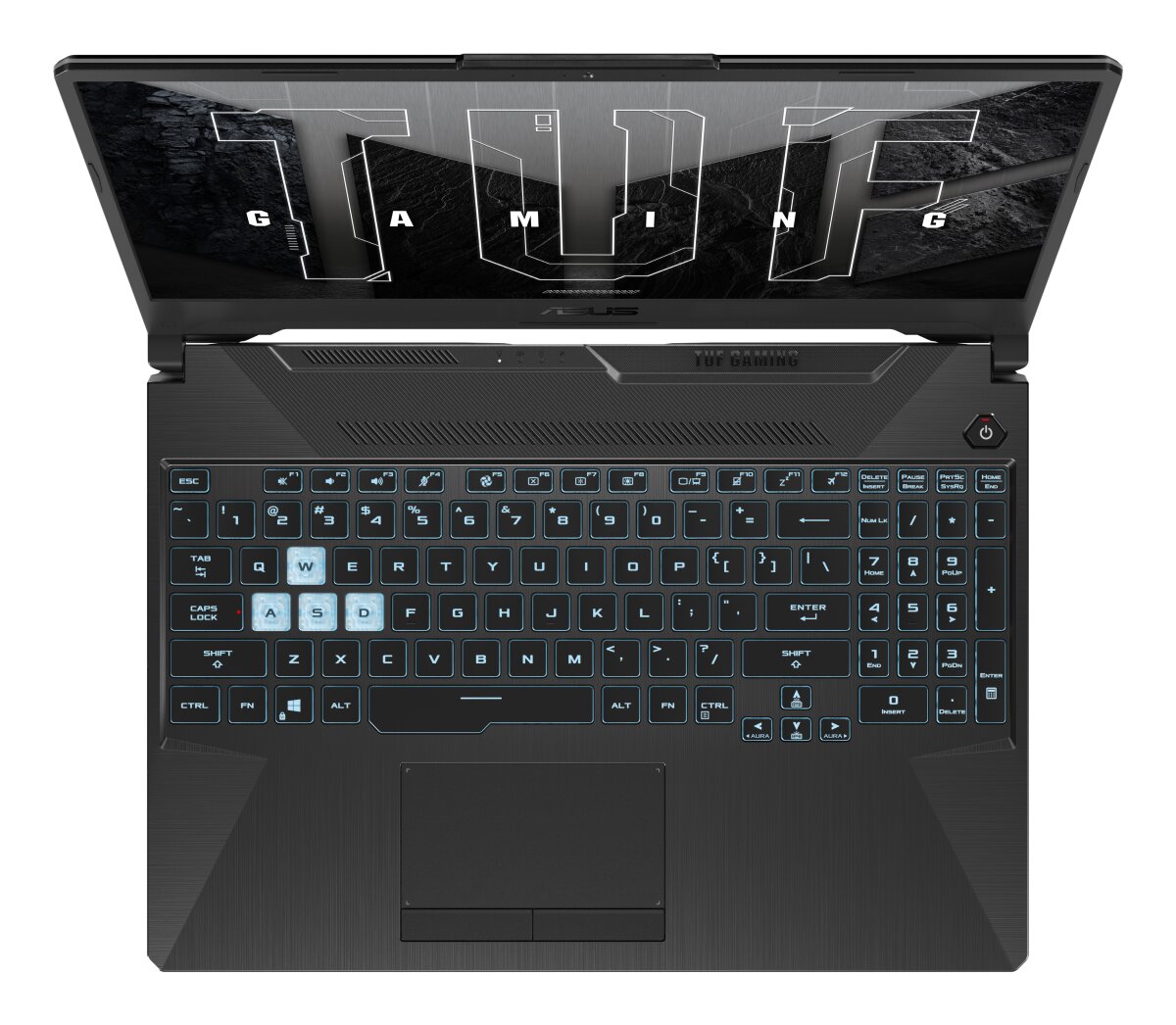


The ASUS TUF Gaming A15 FA506NF-ES51 features DDR5-SDRAM memory upgrade specifications with dual SO-DIMM slots supporting a maximum RAM capacity of 32 GB total. Compatible memory modules operate at 5600 MHz frequency. The laptop accommodates SO-DIMM form factor upgrades, enabling users to expand system memory from factory-installed configurations up to the specified maximum capacity of 32 GB for enhanced multitasking and application performance.
Memory Upgrade Specifications
| Specification | Value |
|---|---|
| Memory slots | 2x SO-DIMM |
| Form factor | SO-DIMM |
| Memory type | DDR5-SDRAM |
| Frequency | 5600 MHz |
| Maximum RAM | 32 GB |
| Voltage | 1.1V |
| Number of pins | 262-pin |
| Interface | PC5 |
| PC Speed Rating | PC5-5600 (PC5-44800) |
| Bandwidth | 44.8 GB/s |
Additional Notes
- The dual channel architecture requires two identical modules to achieve peak memory bandwidth and prevent CPU performance throttling during intensive tasks.
- Utilizing memory modules with speeds exceeding 5600 MHz will result in automatic downclocking to remain within the firmware operational limits.
- The 32 GB threshold represents the maximum addressable space validated by the manufacturer, implying that higher capacity modules may cause system instability or failure to boot.
- Upgrading the ASUS TUF Gaming FA506NF-ES51 entails the removal of existing modules if both slots are currently occupied as no additional expansion headers are available.
- Integrated graphics performance scales directly with the speed and quantity of installed memory because the GPU shares the system pool for high resolution texture buffering.
- Physical installation necessitates standard SO-DIMM latch mechanisms which require careful handling of the tension springs to avoid mechanical fatigue or connector damage.
- Replacing factory components with aftermarket hardware typically maintains warranty status provided the structural chassis seals are not broken and no electrical shorts occur during the process.
- Latency timings are managed by the BIOS through SPD profiles, meaning mismatched CAS latency values between sticks will force the system to use the slowest common denominator.