ASUS Vivobook F412DA-IB31-BL RAM upgrade specifications
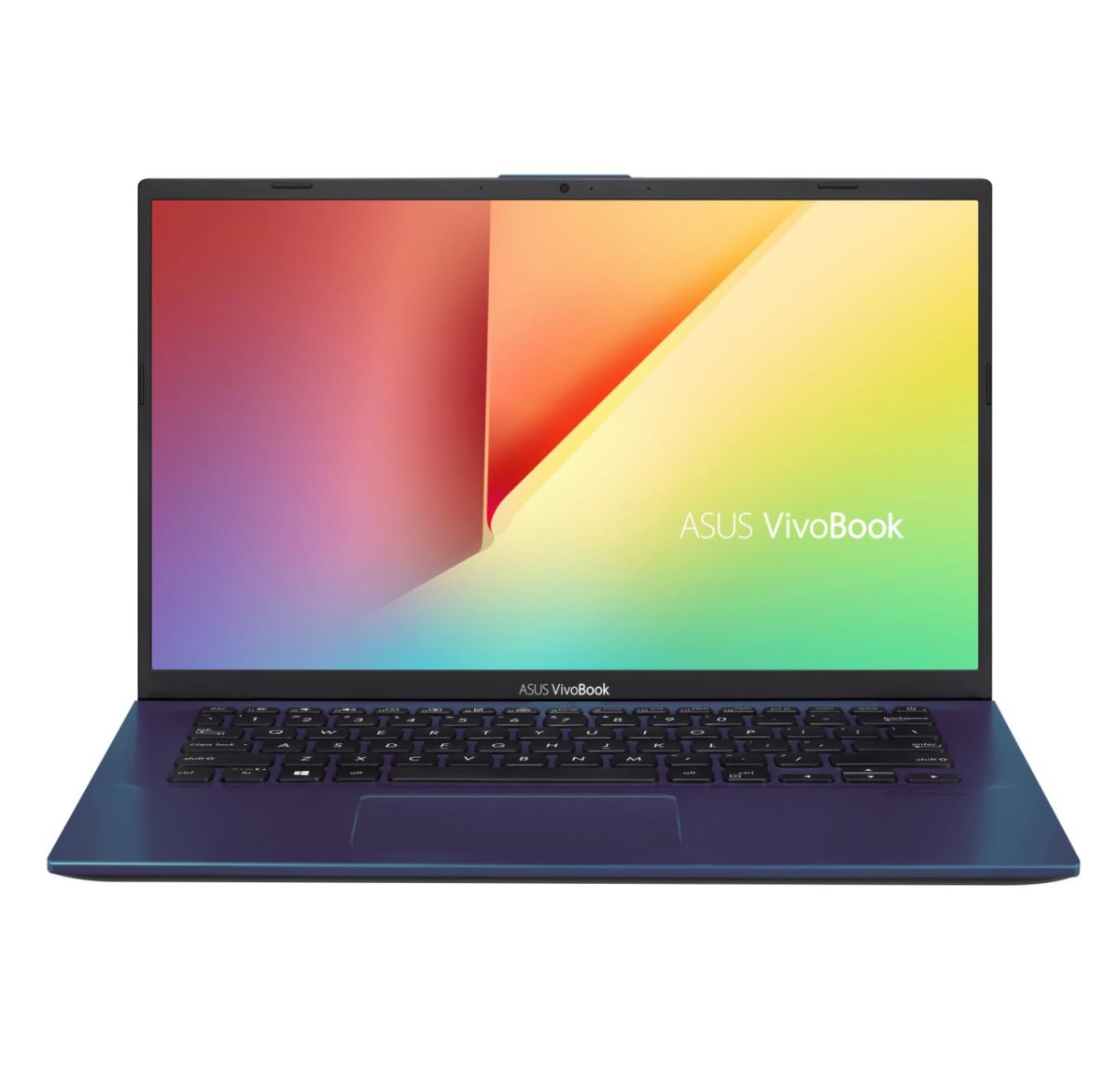
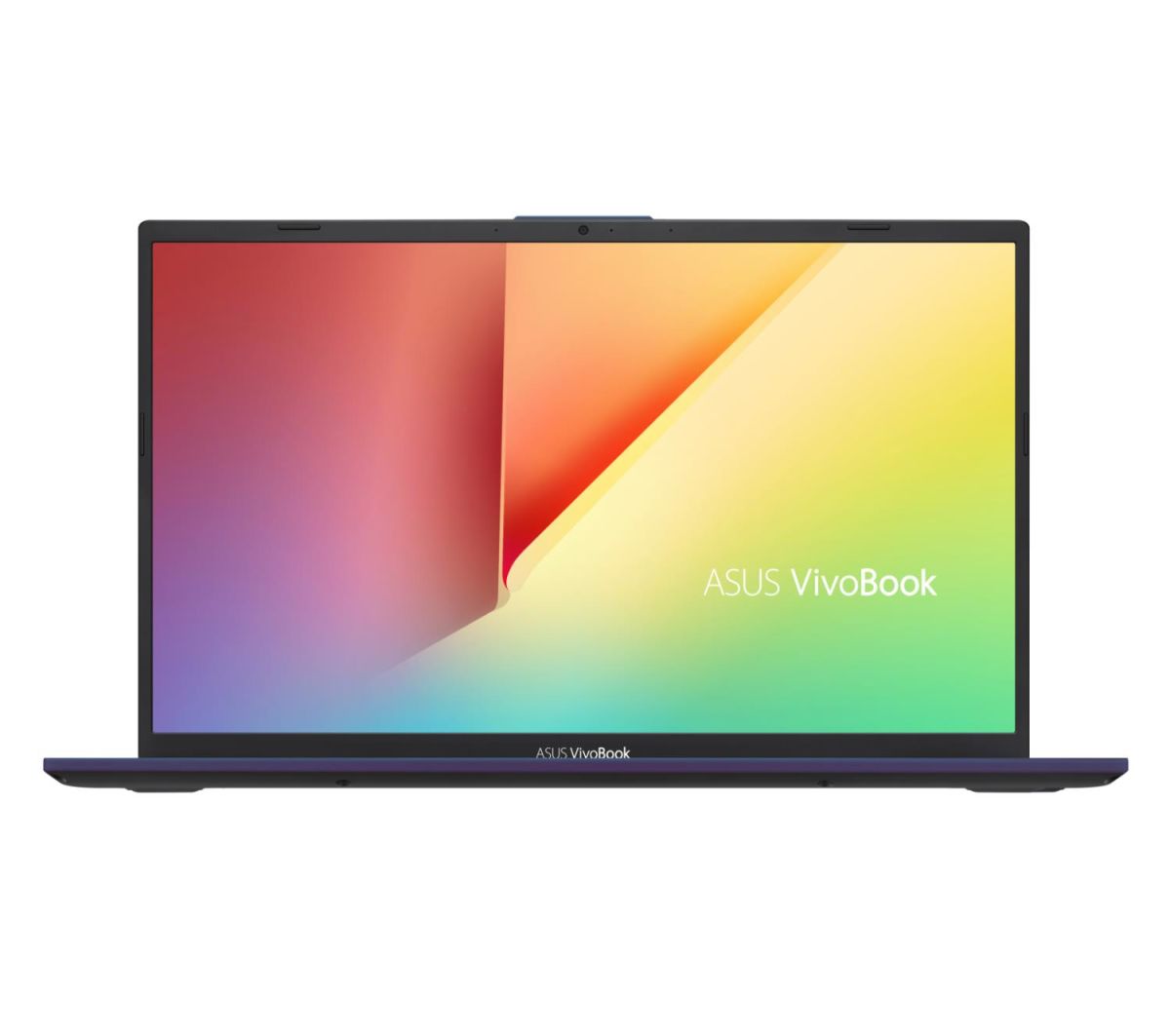
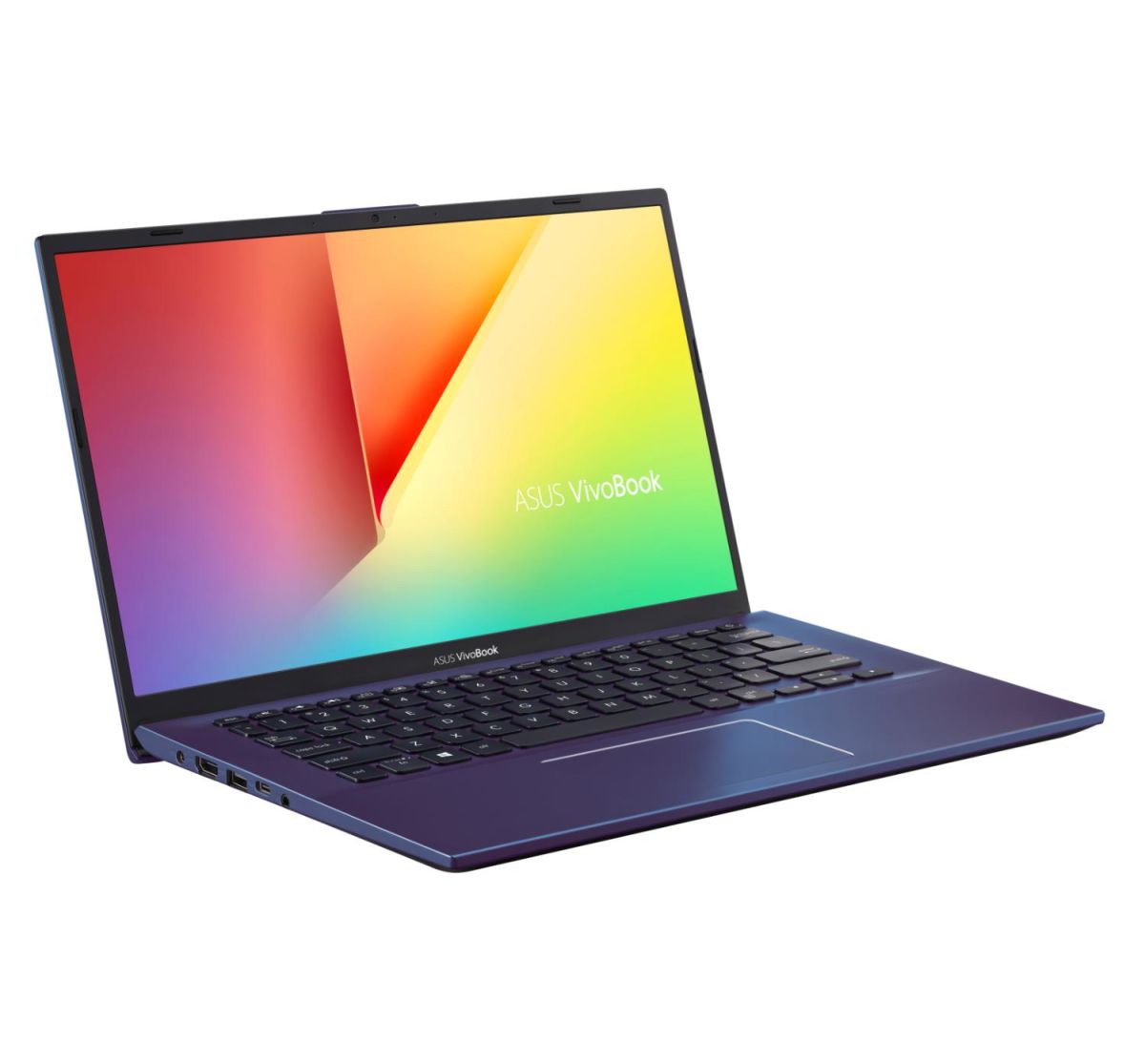
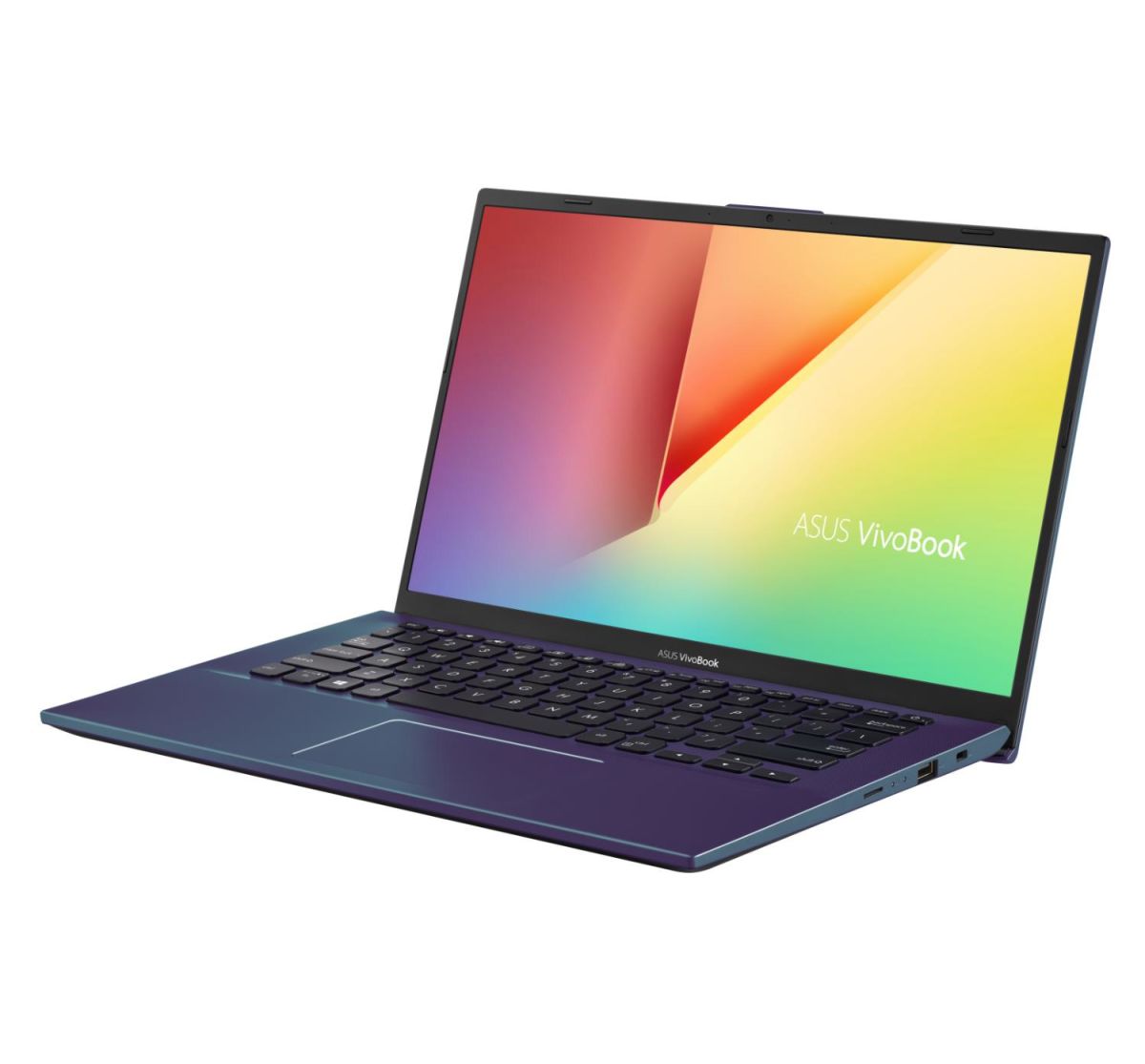

The ASUS Vivobook 14 Series F412DA-IB31-BL laptop features DDR4-SDRAM memory configuration with 1x SO-DIMM slot available for upgrade. The device supports maximum RAM capacity of 12 GB total, operating at 2400 MHz frequency. Memory specifications indicate on-board memory plus one SO-DIMM slot for compatible DDR4 expansion. RAM upgrade slots accommodate standard SO-DIMM form factor modules, enabling users to expand the laptop's memory capacity within the 12 GB maximum specification limit.
Memory Upgrade Specifications
| Specification | Value |
|---|---|
| Memory slots | 1x SO-DIMM |
| Form factor | On-board + SO-DIMM |
| Memory type | DDR4-SDRAM |
| Frequency | 2400 MHz |
| Maximum RAM | 12 GB |
| Voltage | 1.2V |
| Number of pins | 260-pin |
| Interface | PC4 |
| PC Speed Rating | PC4-2400 (PC4-19200) |
| Bandwidth | 19.2 GB/s |
| Laptop Release date | 04 September 2019 |
Additional Notes
- The ASUS Vivobook F412DA-IB31-BL contains soldered memory on the motherboard, making only 1 SO-DIMM slot user-accessible for upgrades. This hybrid configuration limits total expandable capacity to approximately 8 GB via the single slot, since the maximum supported 12 GB includes both on-board and DIMM memory combined.
- DDR4-2400 MHz memory operates at a lower frequency tier than contemporary DDR4 standards (2666 MHz, 3200 MHz), which restricts compatible upgrade options to older or budget-tier SO-DIMM modules. Mixing faster modules with this system will downclock to 2400 MHz, eliminating any performance benefit from newer memory.
- The single SO-DIMM slot creates a performance ceiling for memory-intensive applications. Parallel workloads relying on dual-channel memory bandwidth will operate in single-channel mode through the user-upgradeable DIMM, reducing memory throughput by approximately 50 percent compared to dual-channel configurations.
- SO-DIMM modules occupy limited physical space in compact laptop designs. Installation clearance in ultraportable frames may restrict access, requiring removal of keyboard, bottom panel, or both to reach the memory slot safely without voiding warranty coverage.
- Warranty protection generally covers factory-installed soldered memory, but user-installed SO-DIMM upgrades may trigger coverage disclaimers if hardware failure occurs during or after installation. Documenting pre-upgrade system condition and following ASUS service guidelines for static-safe handling mitigates liability risk.