FUJITSU LIFEBOOK U7312 RAM upgrade specifications
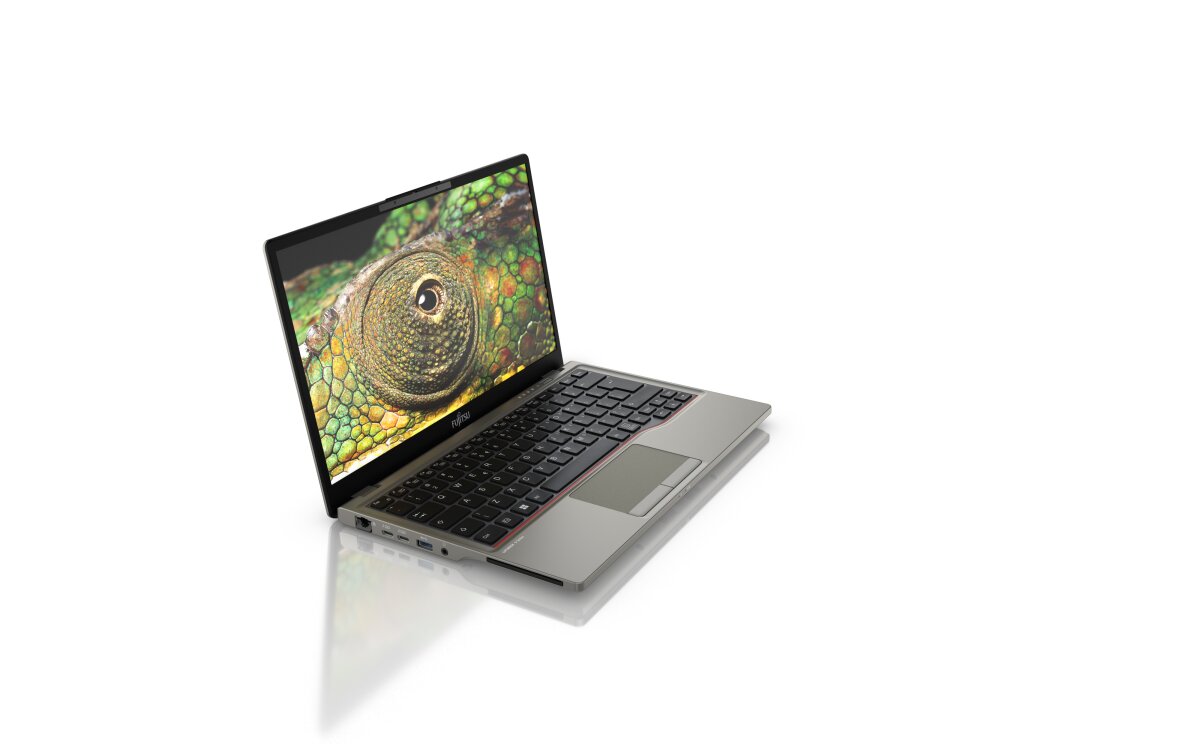
The Fujitsu Lifebook U Series model U7312 supports DDR4-SDRAM memory upgrades through two SO-DIMM slots. The laptop is compatible with DDR4 modules operating at 3200 MHz frequency. Maximum RAM capacity for the U7312 reaches 64 GB total when both memory slots are fully populated. Users can upgrade the existing memory configuration by installing compatible SO-DIMM modules into the available slots. Specifications indicate support for standard laptop memory form factors, enabling straightforward RAM expansion without requiring specialized components.
Memory Upgrade Specifications
| Specification | Value |
|---|---|
| Memory slots | 2x SO-DIMM |
| Form factor | SO-DIMM |
| Memory type | DDR4-SDRAM |
| Frequency | 3200 MHz |
| Maximum RAM | 64 GB |
| Voltage | 1.2V |
| Number of pins | 260-pin |
| Interface | PC4 |
| PC Speed Rating | PC4-3200 (PC4-25600) |
| Bandwidth | 25.6 GB/s |
| Laptop Release date | 01 September 2022 |
Additional Notes
- The Fujitsu Lifebook U7312 supports DDR4-3200 memory exclusively, constraining upgrade sources to modules manufactured within the DDR4 specification window (approximately 2014-2020), as DDR5 compatibility does not exist on this platform.
- Dual SO-DIMM architecture permits asymmetrical configurations; users may install mismatched capacities or speeds across the 2 slots without hardware failure, though the system will downclock both modules to the slower module's frequency, reducing effective performance if mixed-speed modules are populated.
- The 64 GB theoretical maximum represents a practical ceiling only if 32 GB SO-DIMM modules become available at DDR4-3200 specification; current retail inventory emphasizes 16 GB and 8 GB modules, making full-capacity population dependent on future product availability rather than immediate purchase options.
- SO-DIMM form factor requires low-profile heatspreader modules in systems with restrictive internal clearance; standard-height DDR4 SO-DIMMs may physically contact internal components or lid assemblies, risking installation failure without disassembly verification beforehand.
- Memory speed negotiation occurs at system boot; if mismatched frequencies are installed (e.g., 3200 MHz paired with 2666 MHz), the BIOS will automatically reduce both modules to the lower speed, negating any performance gains from the faster module and creating a hidden performance tax on mixed configurations.
- Warranty coverage for memory upgrades depends on manufacturer policy; opening the system for SO-DIMM replacement typically remains warranty-safe only if performed according to official service documentation, whereas third-party installation may trigger coverage suspension.