HP OMEN 15-dc0018nf RAM upgrade specifications

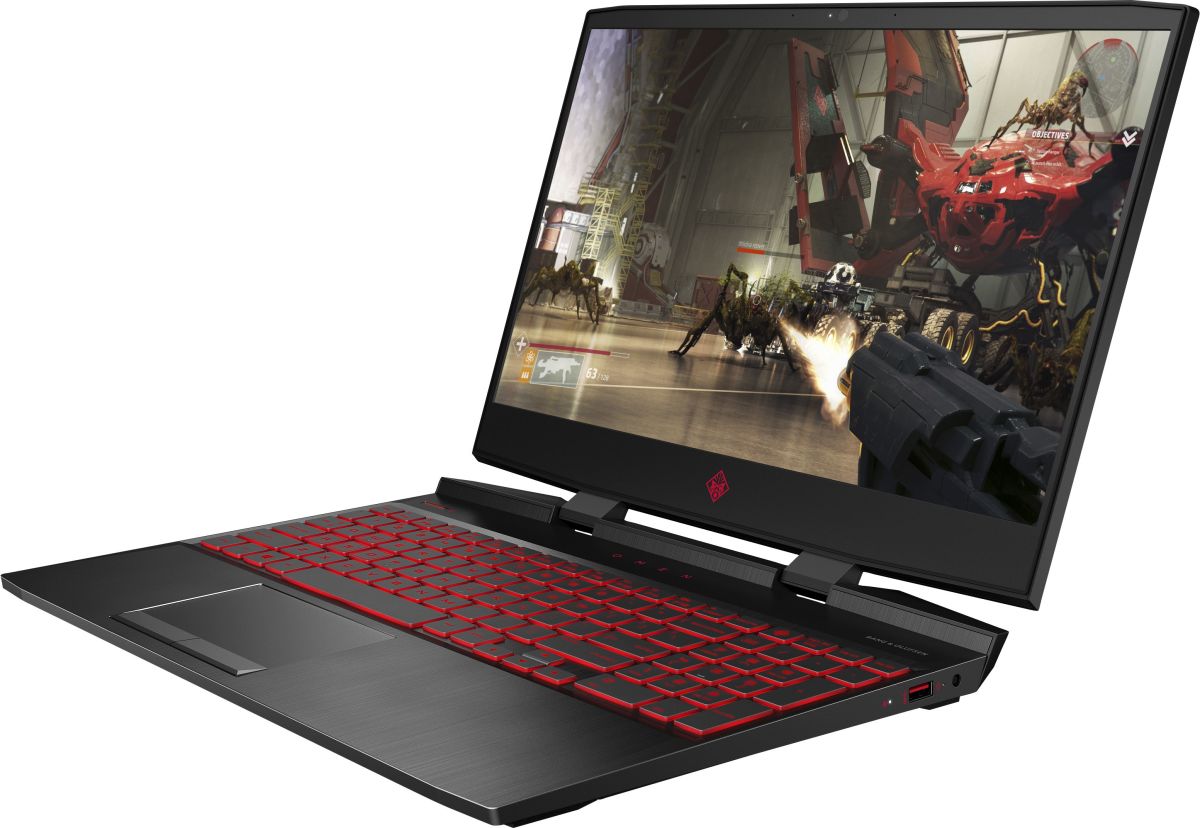
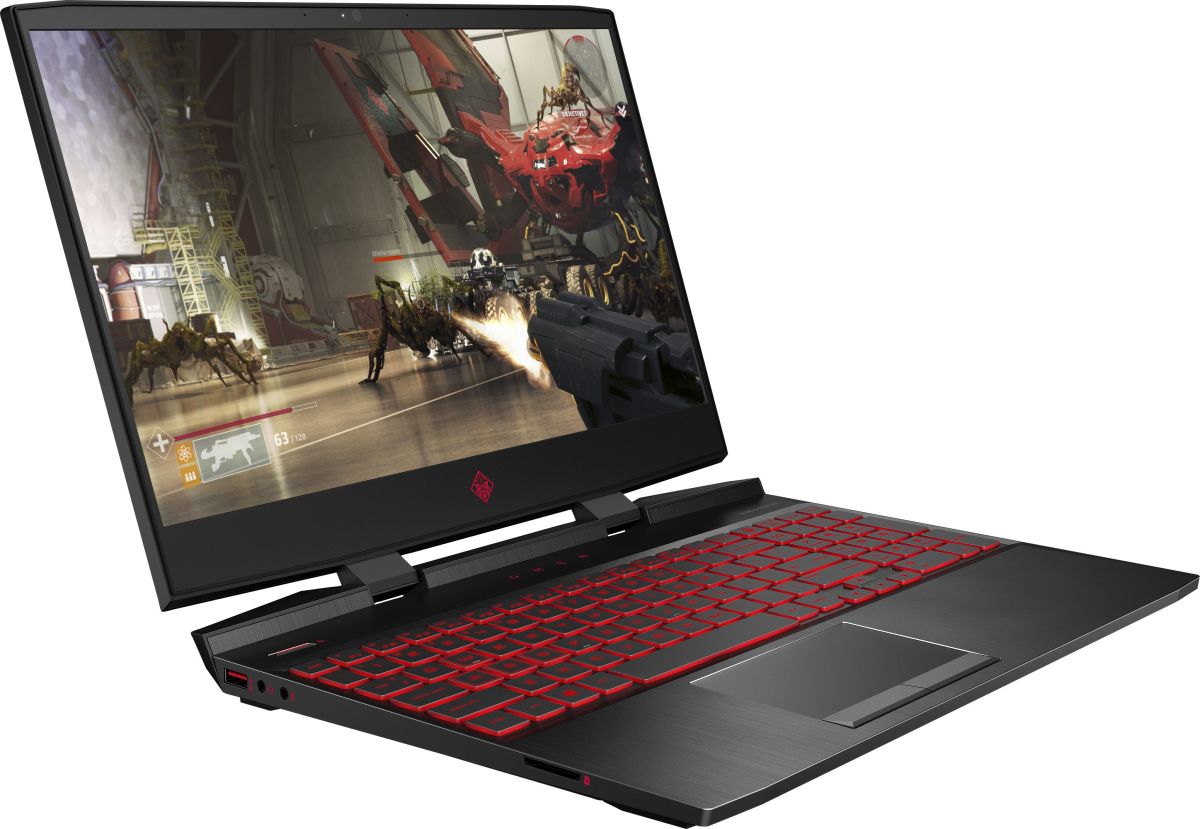
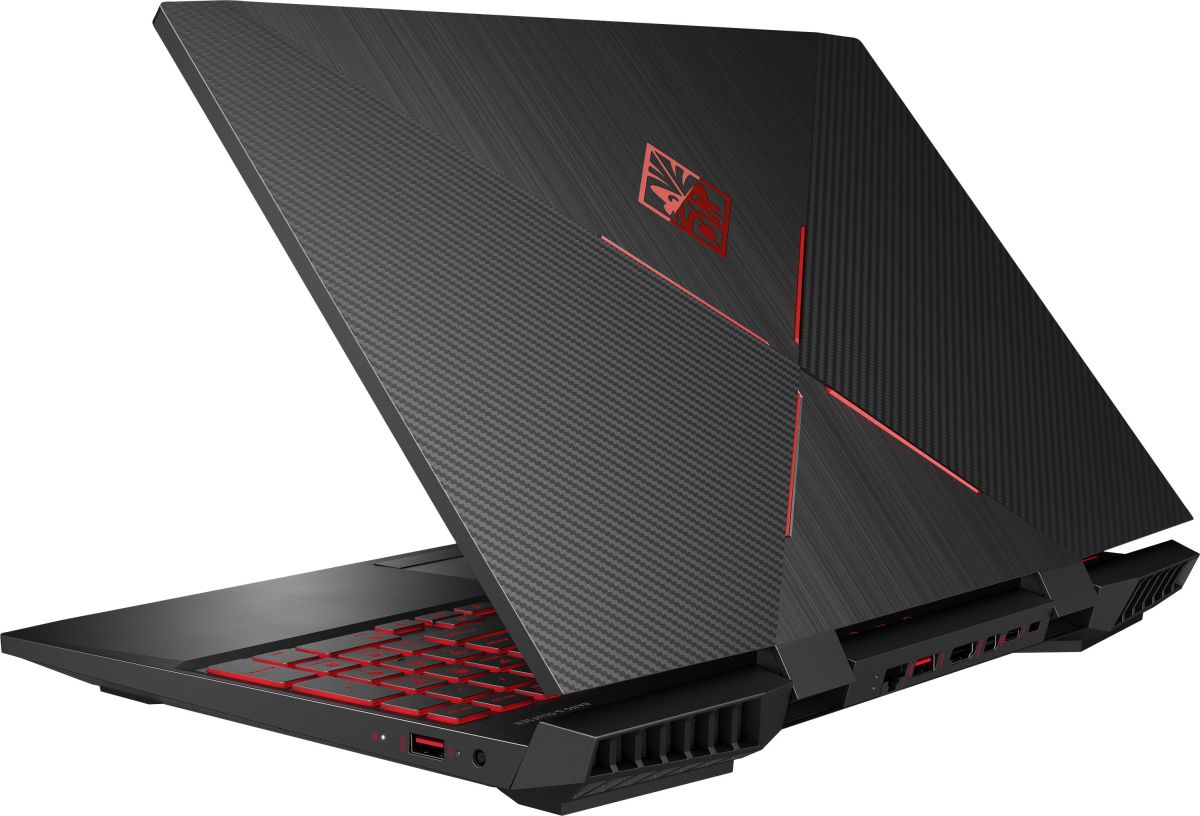
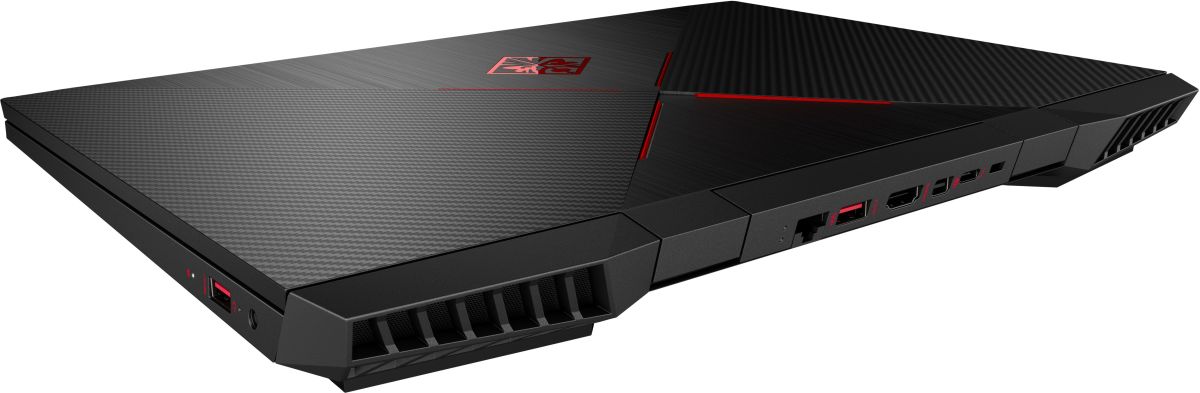
HP OMEN 15-dc0018nf laptop features two SO-DIMM memory slots supporting DDR4-SDRAM upgrade specifications. Maximum RAM capacity reaches 32 GB with compatible modules operating at 2666 MHz frequency. The device specifications allow for memory expansion utilizing the dual SO-DIMM slots, enabling users to increase total system RAM from baseline configuration to the maximum supported capacity of 32 GB. Upgrade components must meet DDR4-SDRAM standards and SO-DIMM form factor requirements for compatibility with this specific OMEN Series 15 model.
Memory Upgrade Specifications
| Specification | Value |
|---|---|
| Memory slots | 2x SO-DIMM |
| Form factor | SO-DIMM |
| Memory type | DDR4-SDRAM |
| Frequency | 2666 MHz |
| Maximum RAM | 32 GB |
| Voltage | 1.2V |
| Number of pins | 260-pin |
| Interface | PC4 |
| PC Speed Rating | PC4-2666 (PC4-21328) |
| Bandwidth | 21.3 GB/s |
| Laptop Release date | 29 June 2018 |
Additional Notes
- The HP OMEN 15-dc0018nf accommodates a maximum of 32 GB total capacity across 2 slots, meaning each module can hold up to 16 GB without exceeding the platform ceiling.
- SO-DIMM form factor restricts upgrades to laptop-specific memory modules; standard desktop DDR4 sticks are physically incompatible and cannot be force-fitted without risking connector damage.
- The 2666 MHz frequency ceiling creates a performance ceiling where faster DDR4 modules (3000 MHz, 3200 MHz) will downclock to 2666 MHz, eliminating any speed advantage from premium memory purchases.
- Dual-slot architecture requires matched pairs for optimal dual-channel operation; single-module upgrades result in single-channel bandwidth reduction of approximately 50 percent compared to balanced configurations.
- DDR4-SDRAM compatibility limits backward compatibility to this generation only; future platform transitions (DDR5, DDR6) will render existing modules obsolete and non-transferable to successor systems.
- The 32 GB maximum represents a hard ceiling imposed by the chipset and BIOS; no configuration or modification enables capacity expansion beyond this threshold.
- Installation requires full system shutdown and typically involves battery removal; active warranty coverage should be verified before opening the chassis, as improper handling during RAM access can void manufacturer protection.