LENOVO ThinkPad P15 Gen 2 (15" Intel) RAM upgrade specifications
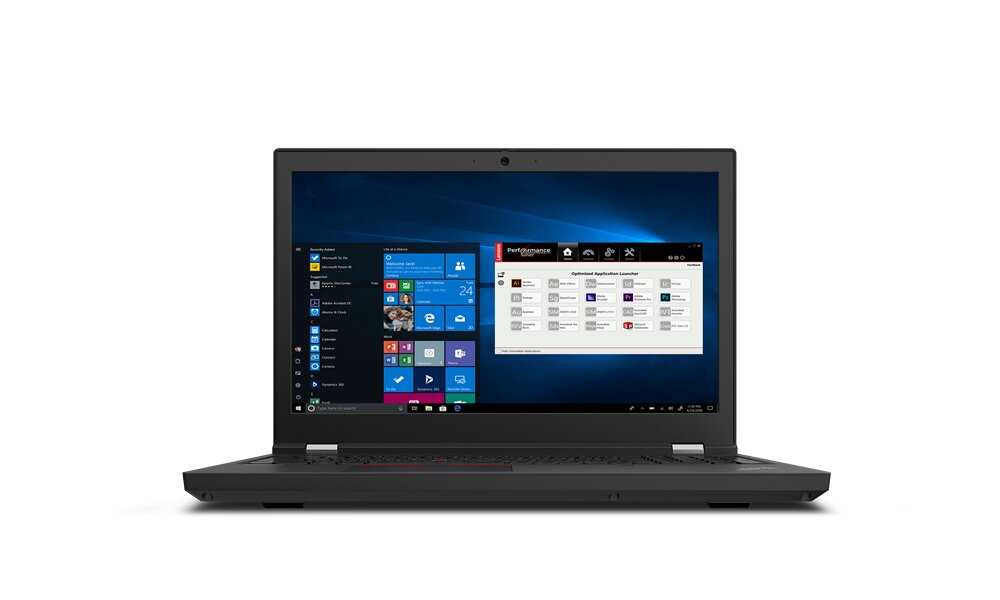
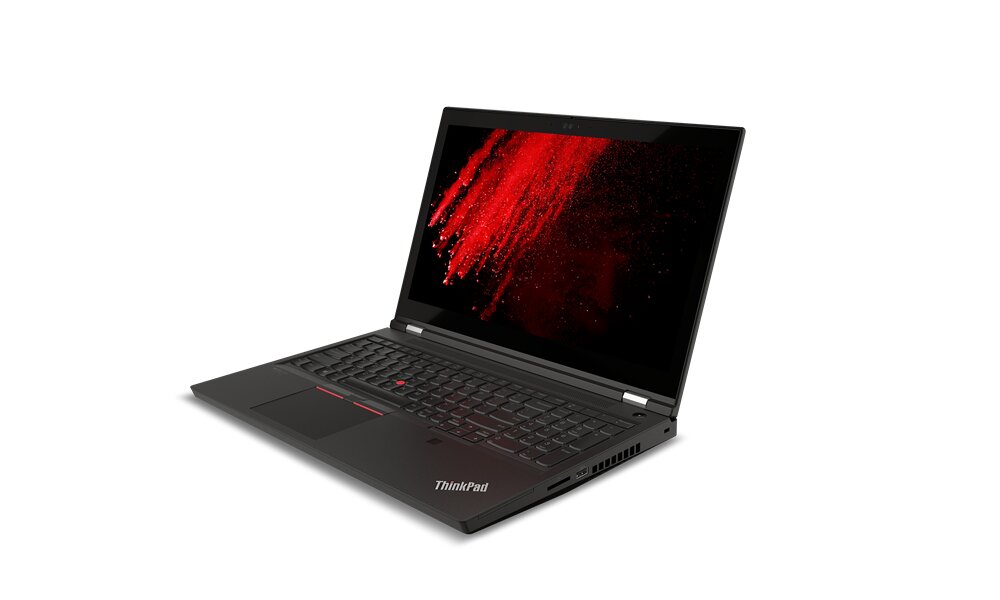
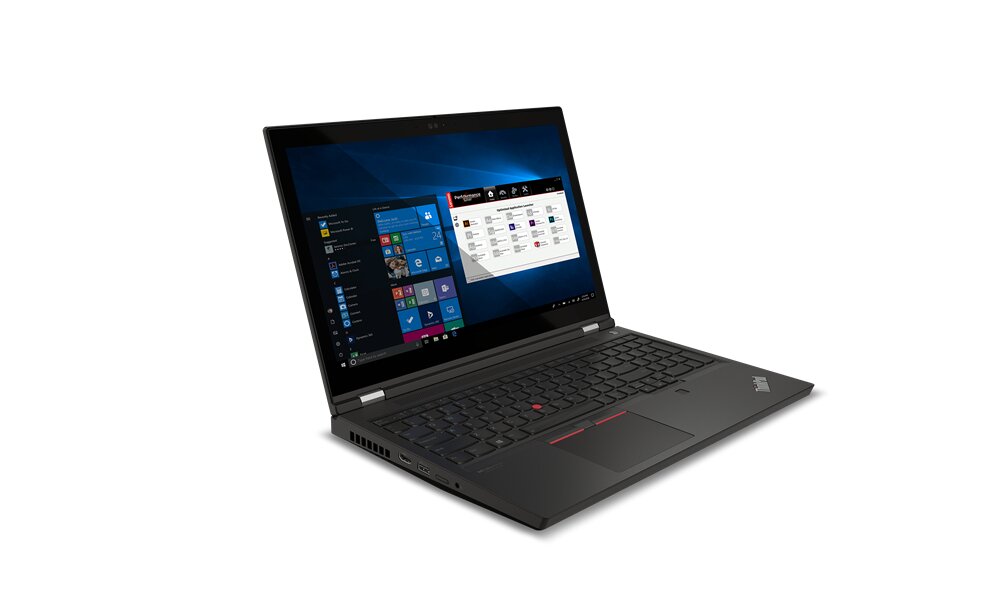
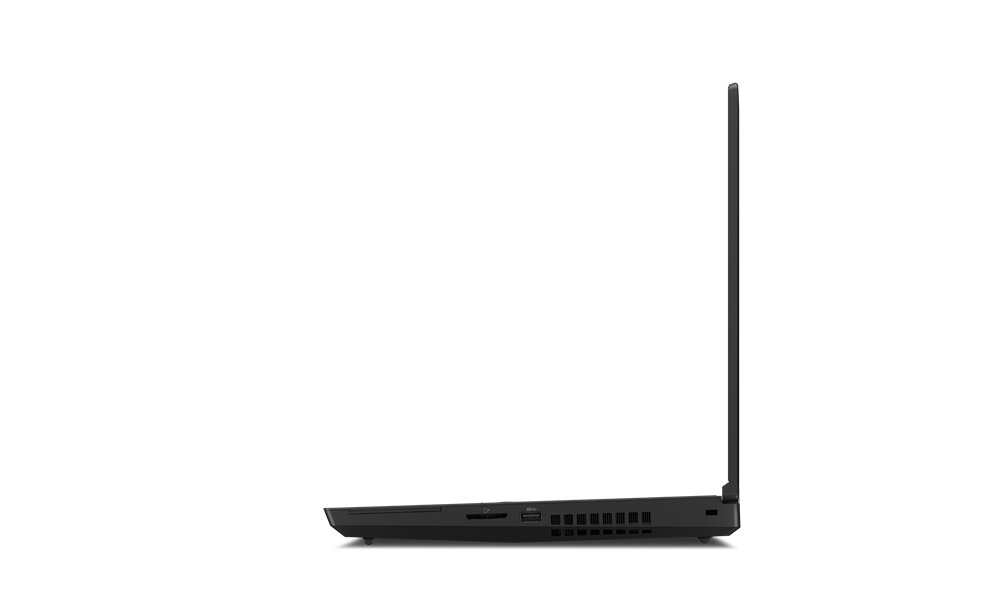
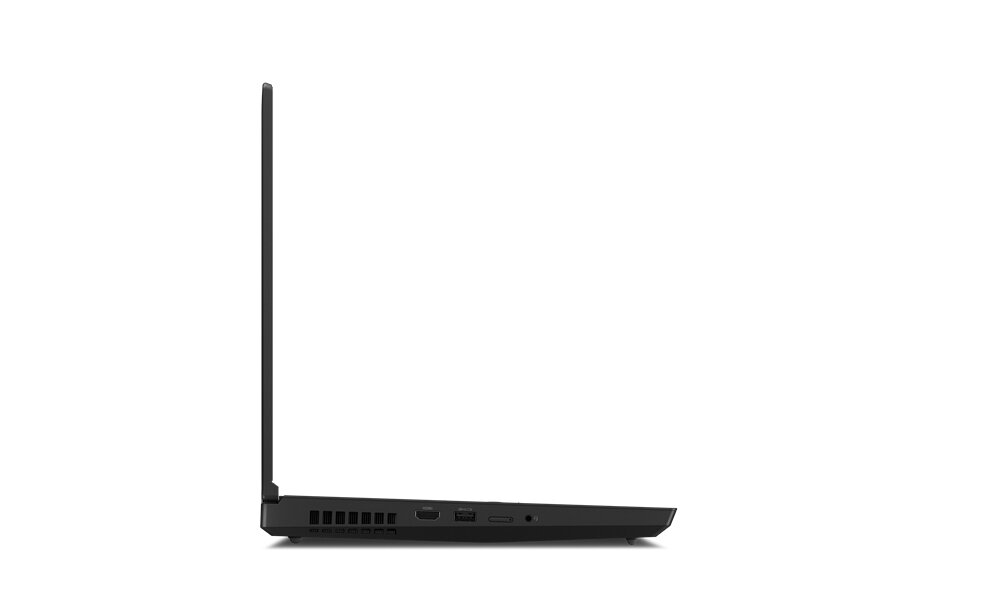
The Lenovo ThinkPad P15 Gen 2 (15" Intel) accommodates DDR4-SDRAM memory upgrades through four SO-DIMM slots. The mobile workstation supports maximum RAM capacity of 128 GB, with compatible memory operating at 3200 MHz frequency. Users can upgrade memory modules to enhance multitasking performance and application responsiveness on this professional-grade laptop. Specifications indicate SO-DIMM form factor compatibility for all memory upgrade slots.
Memory Upgrade Specifications
| Specification | Value |
|---|---|
| Memory slots | 4x SO-DIMM |
| Form factor | SO-DIMM |
| Memory type | DDR4-SDRAM |
| Frequency | 3200 MHz |
| Maximum RAM | 128 GB |
| Voltage | 1.2V |
| Number of pins | 260-pin |
| Interface | PC4 |
| PC Speed Rating | PC4-3200 (PC4-25600) |
| Bandwidth | 25.6 GB/s |
| Laptop Release date | 07 January 2022 |
Additional Notes
- The presence of 4 SO-DIMM slots implies a dual-channel architecture requiring identical pairs of modules to maintain peak memory bandwidth.
- High-capacity configurations reaching the 128 GB threshold necessitate the use of high-density 32 GB modules in every available slot.
- Upgrading the LENOVO ThinkPad P15 Gen 2 (15" Intel) requires access to internal slots located both beneath the keyboard and behind the base cover plate.
- Total memory latency is determined by the slowest module installed regardless of the 3200 MHz rating of the system board.
- Mixing single-rank and dual-rank modules across the 4 slots can lead to stability issues or automatic frequency downclocking by the BIOS.
- Physical clearance within the chassis restricts compatibility to standard height SO-DIMM modules and excludes those with integrated heat spreaders.
- Thermal dissipation requirements increase significantly when all 4 memory banks are populated with high-capacity modules during sustained workloads.
- Non-ECC and ECC modules are not compatible within the same system and must not be mixed to avoid boot failure.