MSI Gaming KATANA GF76 12UC-414XPL RAM upgrade specifications
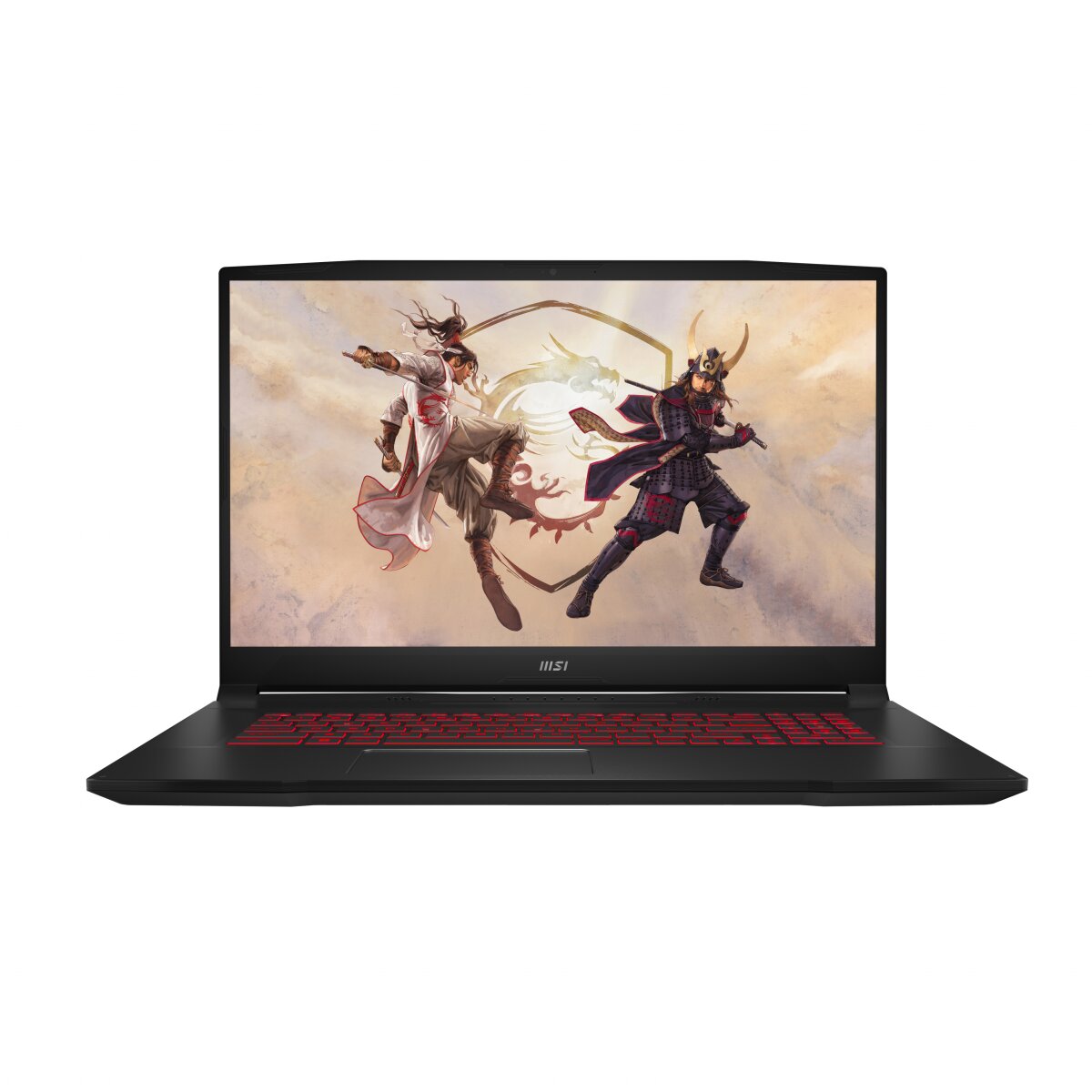
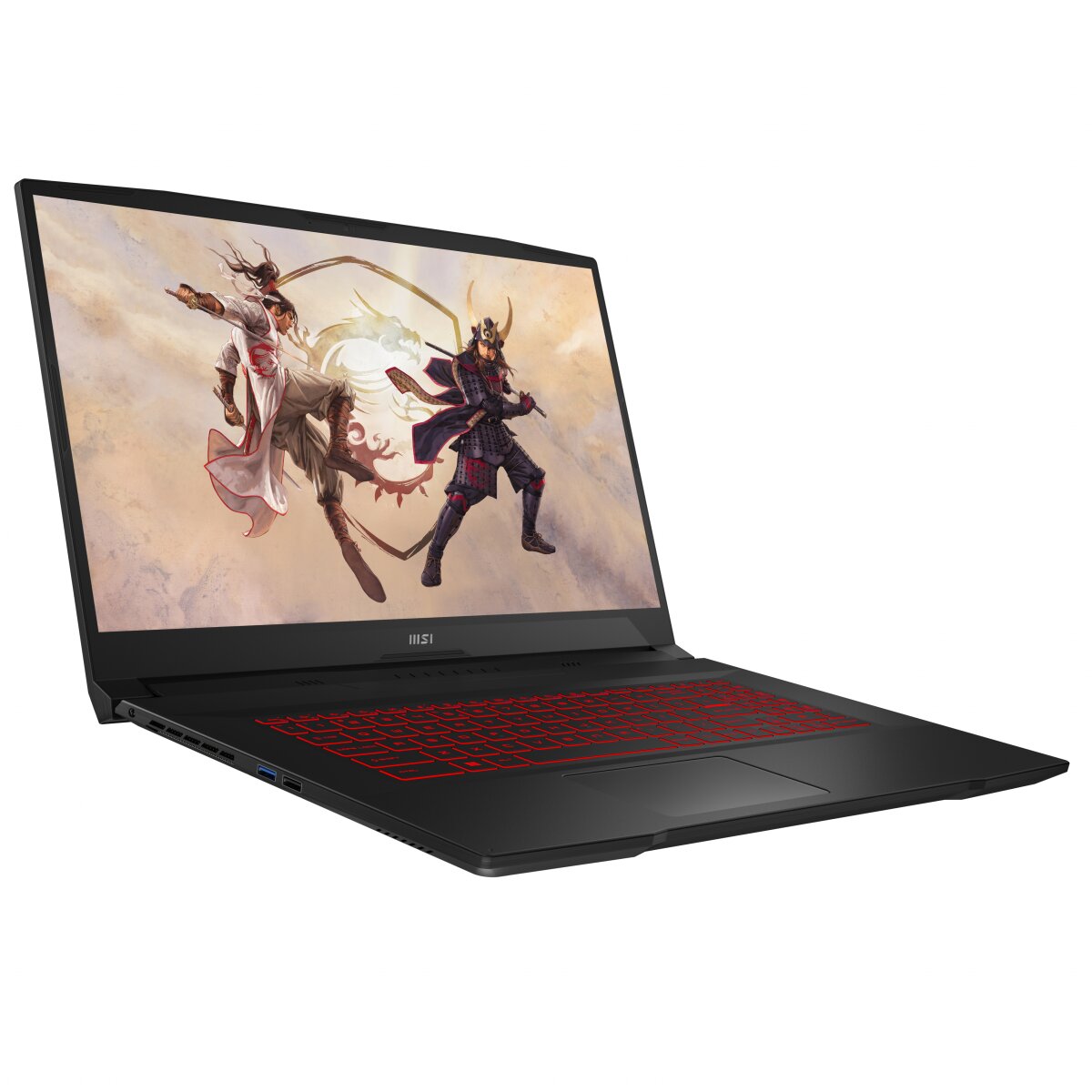
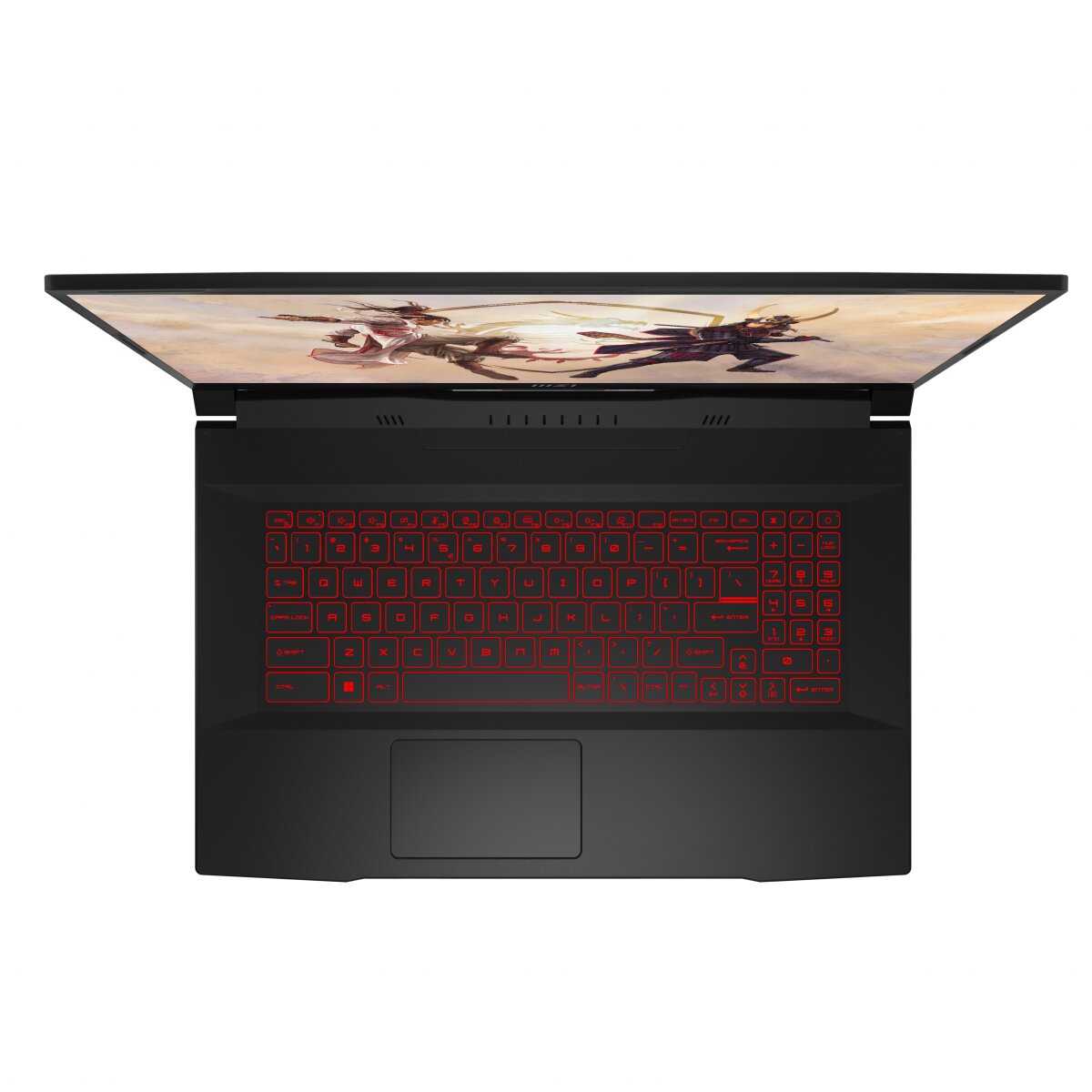
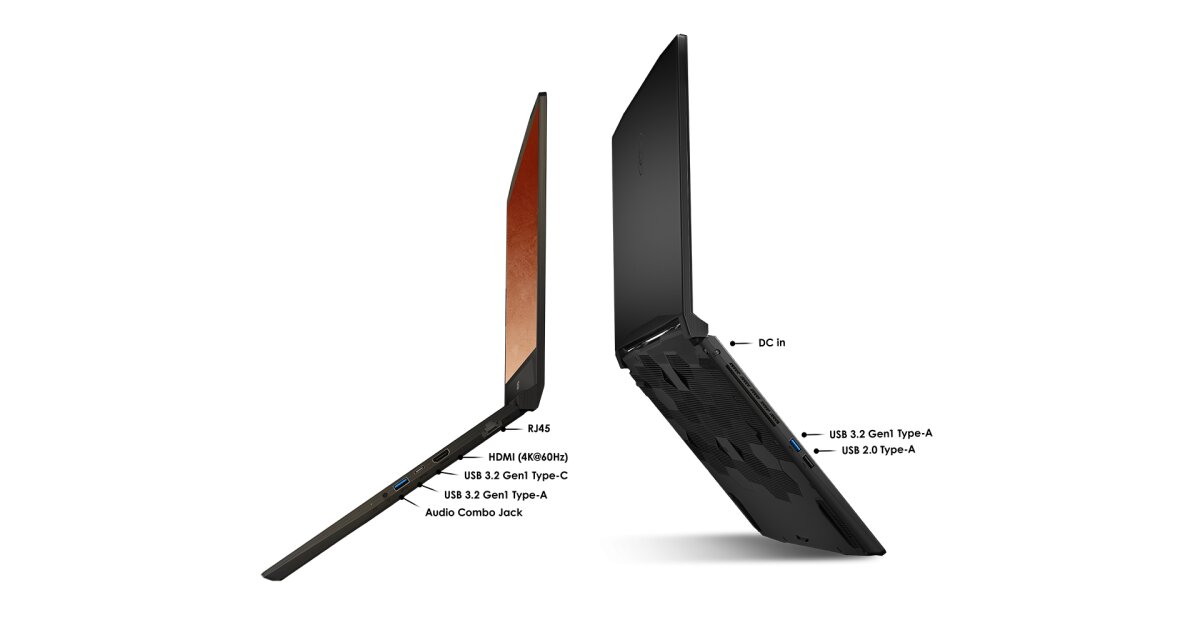
The MSI KATANA GF76 12UC-414XPL gaming laptop features DDR4-SDRAM memory upgrade capabilities with two SO-DIMM slots supporting a maximum capacity of 64 GB total. The memory specifications accommodate DDR4 modules operating at 3200 MHz frequency. Compatible RAM upgrades utilize the SO-DIMM form factor, enabling users to expand the laptop's memory configuration for enhanced performance. The gaming series supports dual-slot memory architecture, allowing incremental capacity additions to meet processing demands.
Memory Upgrade Specifications
| Specification | Value |
|---|---|
| Memory slots | 2x SO-DIMM |
| Form factor | SO-DIMM |
| Memory type | DDR4-SDRAM |
| Frequency | 3200 MHz |
| Maximum RAM | 64 GB |
| Voltage | 1.2V |
| Number of pins | 260-pin |
| Interface | PC4 |
| PC Speed Rating | PC4-3200 (PC4-25600) |
| Bandwidth | 25.6 GB/s |
| Laptop Release date | 25 May 2023 |
Additional Notes
- The MSI KATANA GF76 12UC-414XPL contains 2 SO-DIMM slots, meaning both memory modules must be replaced simultaneously to avoid single-channel performance degradation, which reduces bandwidth by approximately 50% compared to dual-channel operation.
- DDR4-3200 memory modules are widely available at competitive pricing, but compatibility requires verification of CAS latency and voltage specifications since some 3200 MHz modules operate at non-standard timings or 1.35V rather than the typical 1.2V specification.
- The 64 GB maximum capacity ceiling indicates the system uses 16 Gb chip density components; upgrading to dual 32 GB modules represents the practical performance limit without motherboard-level modifications.
- SO-DIMM form factor constrains upgrade sourcing to laptop-specific modules only; desktop DDR4 UDIMM components are physically incompatible and will not seat in the slots regardless of electrical compatibility.
- Factory memory configuration details require confirmation before purchase; if the system shipped with mixed capacity modules (such as 1x16 GB and 1x8 GB), replacing only 1 module creates asymmetrical configuration risks that may trigger BIOS errors or throttling on some systems.
- Warranty coverage for memory upgrades depends on the specific retailer and regional policy; third-party modules typically void no coverage if installed correctly, but installation must follow MSI's documented procedures to preserve eligibility.