MSI Gaming GL63 9SEK-885XRU RAM upgrade specifications

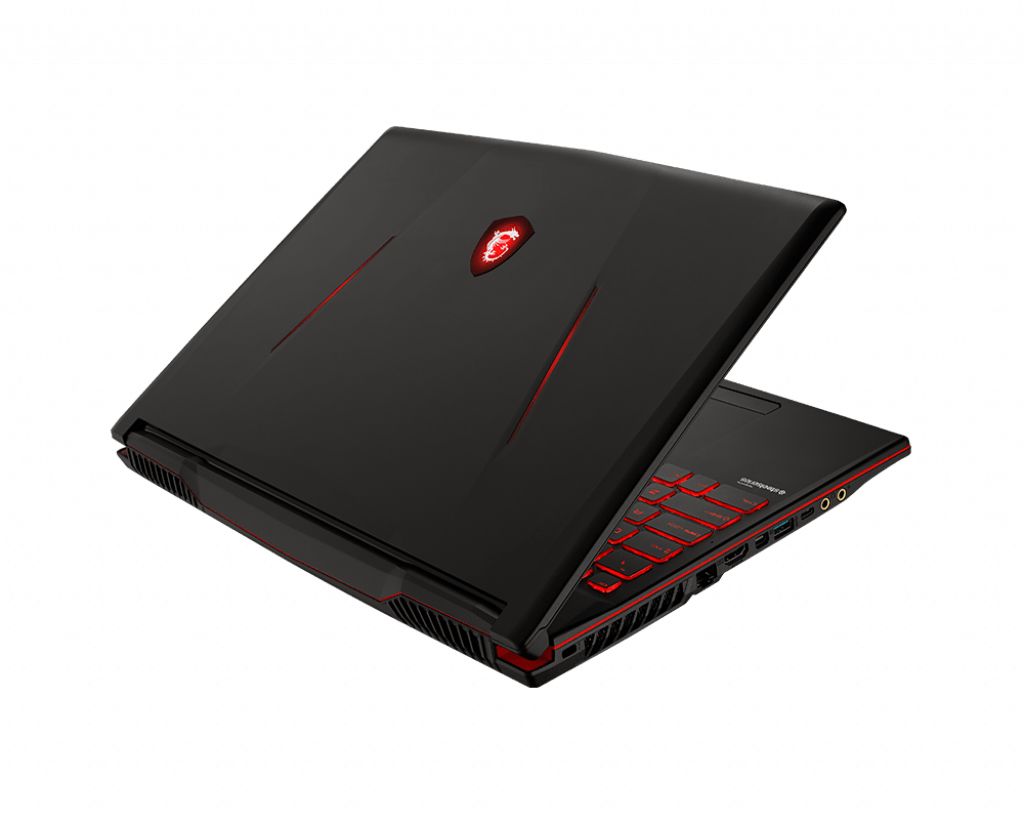

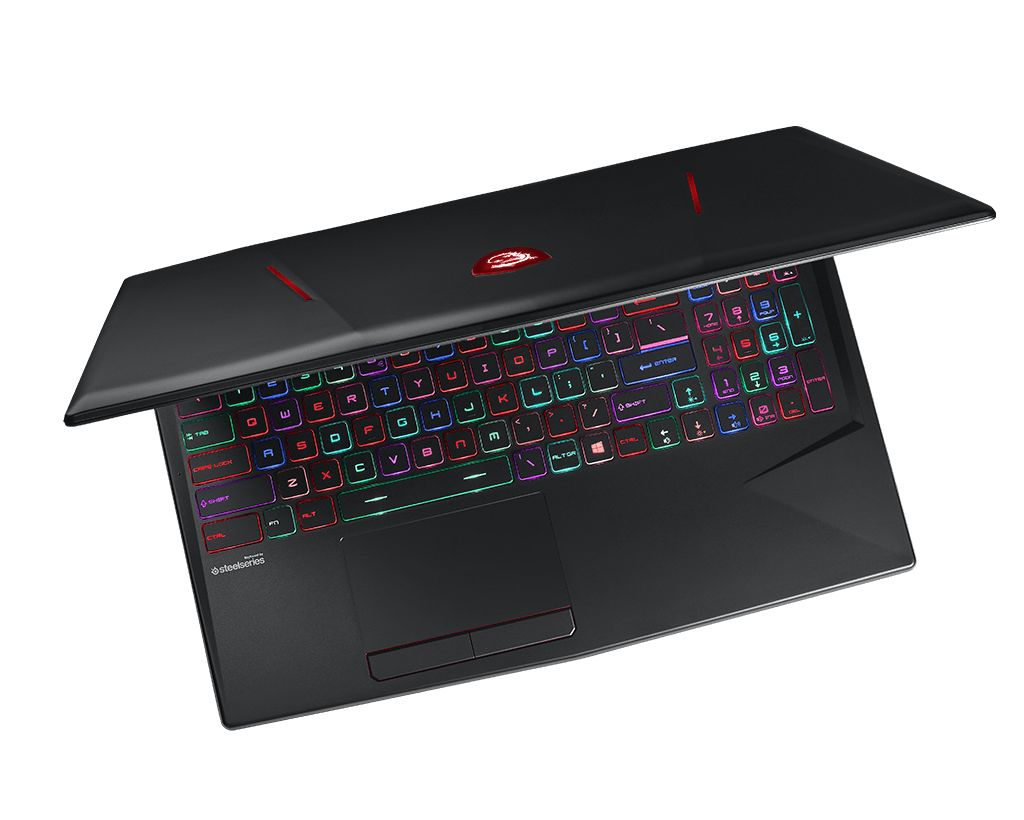

MSI GL63 9SEK-885XRU gaming laptop RAM upgrade specifications indicate DDR4-SDRAM memory compatibility. The device features 2x SO-DIMM slots supporting maximum capacity of 64 GB total memory. Upgrade specifications require DDR4 modules operating at 2666 MHz frequency. Compatible memory modules utilize SO-DIMM form factor for the GL series gaming platform. Maximum RAM specifications allow for dual-channel configuration supporting up to 32 GB per slot capacity.
Memory Upgrade Specifications
| Specification | Value |
|---|---|
| Memory slots | 2x SO-DIMM |
| Form factor | SO-DIMM |
| Memory type | DDR4-SDRAM |
| Frequency | 2666 MHz |
| Maximum RAM | 64 GB |
| Voltage | 1.2V |
| Number of pins | 260-pin |
| Interface | PC4 |
| PC Speed Rating | PC4-2666 (PC4-21328) |
| Bandwidth | 21.3 GB/s |
| Laptop Release date | 09 July 2019 |
Additional Notes
- Dual channel memory architecture requires installing modules in pairs to achieve maximum theoretical memory bandwidth and reduce CPU bottlenecks during gaming workloads.
- The MSI GL63 9SEK-885XRU utilizes a standard SODIMM form factor which necessitates the use of 260 pin modules rather than full sized desktop DIMMs.
- Mixing modules with different CAS latencies forces the system to default to the timings of the slowest stick which can impact frame rate stability in CPU intensive titles.
- Upgrading beyond the factory configuration requires removing the bottom panel which may involve piercing a factory seal sticker depending on regional warranty policies.
- The 64 GB threshold indicates compatibility with high density 32 GB modules in each slot allowing for heavy multitasking or professional video rendering tasks.
- Installing memory with frequencies exceeding 2666 MHz results in automatic downclocking to match the internal chipset limitations of the 9th generation Intel platform.
- Physical access to the memory slots requires a Phillips head screwdriver and non conductive prying tools to avoid shorting sensitive motherboard components during the installation process.