MSI Gaming GL75 9SD-015FR RAM upgrade specifications
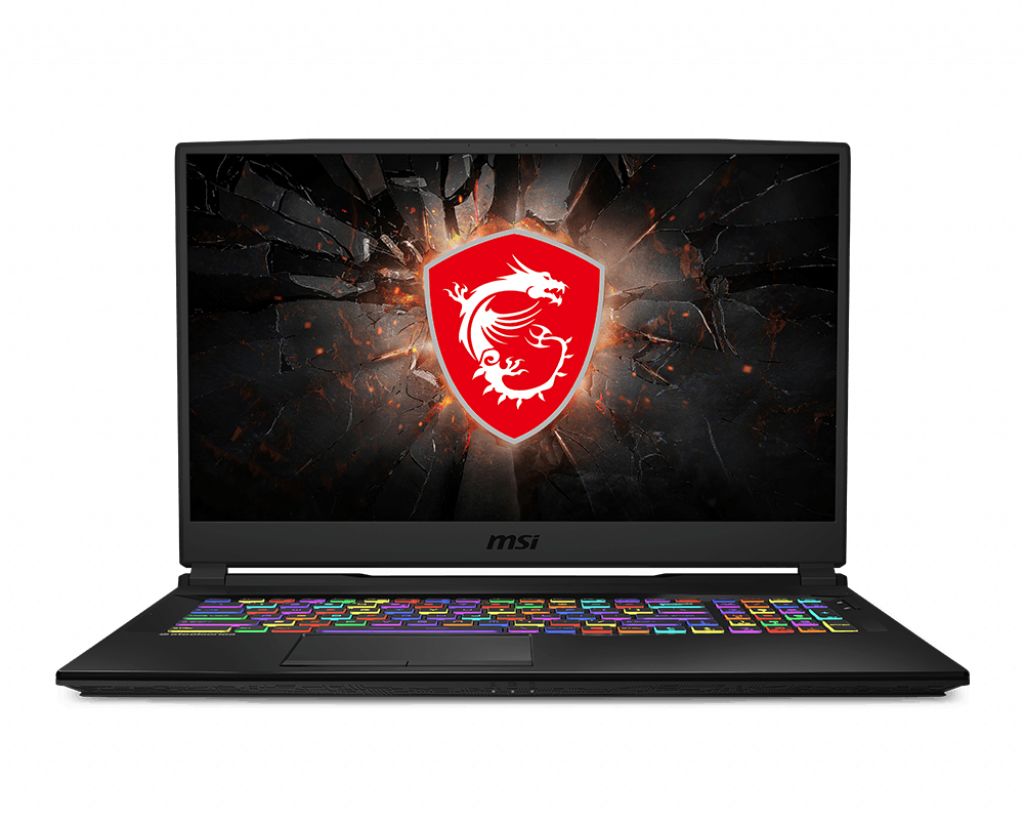
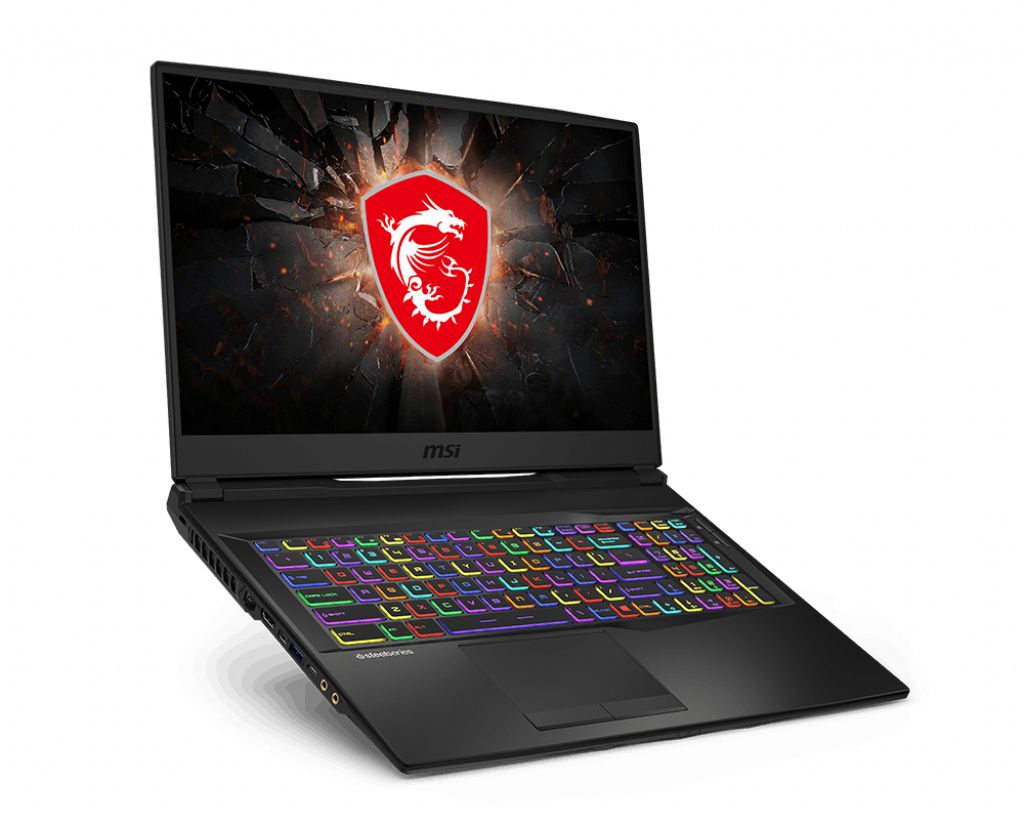
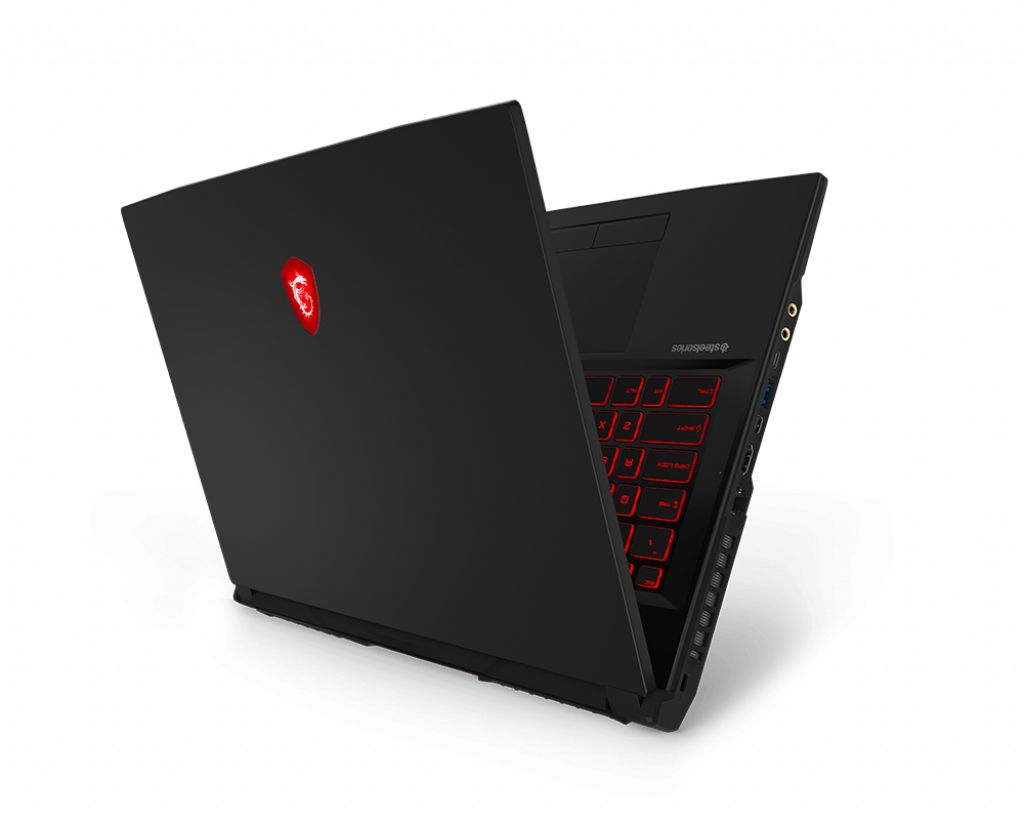
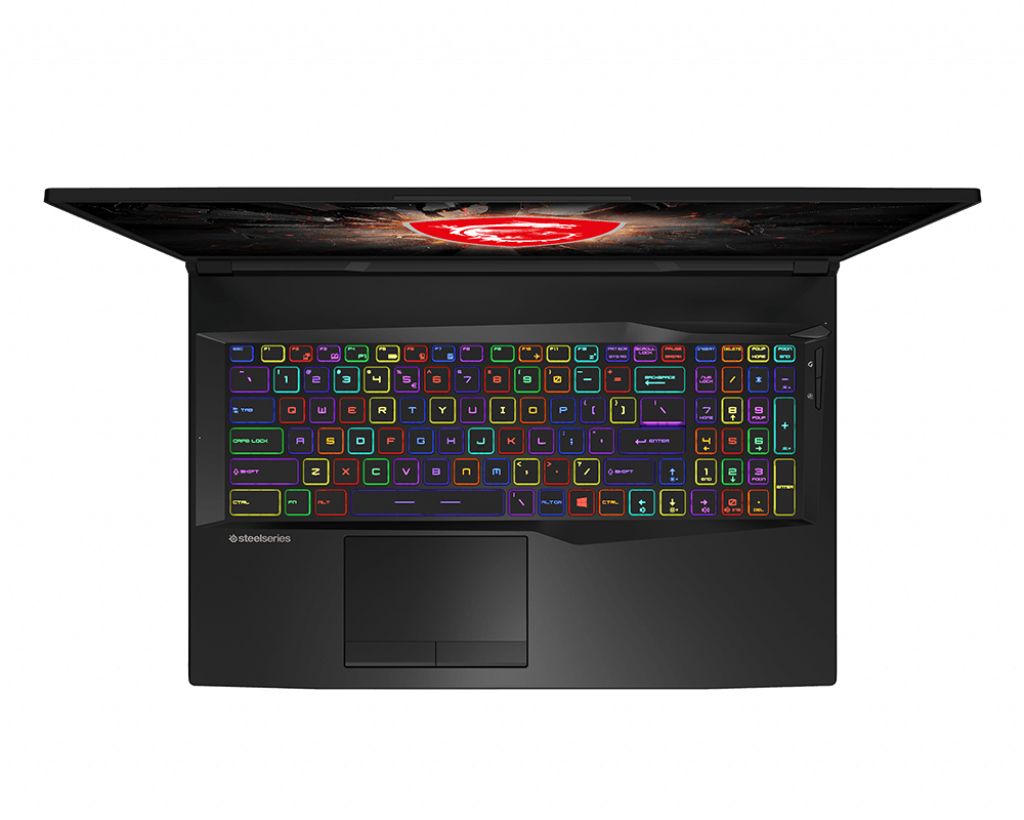
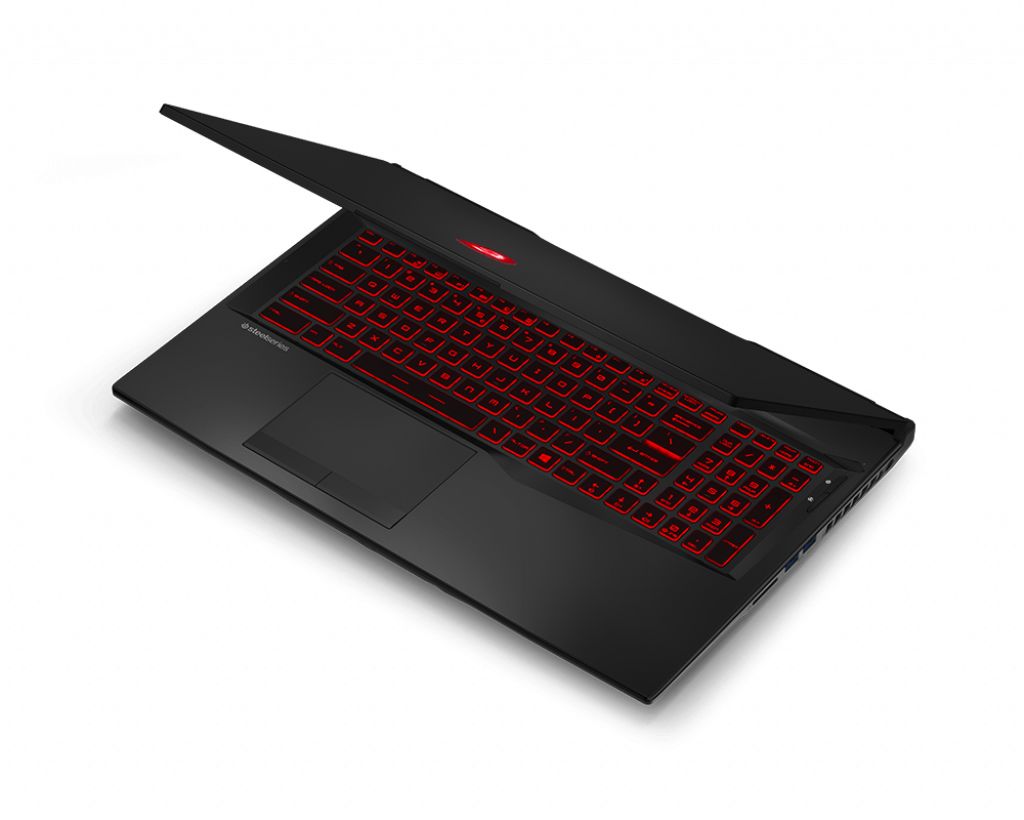
The MSI GL75 9SD-015FR gaming laptop features DDR4-SDRAM memory upgrade specifications with two SO-DIMM slots supporting maximum capacity of 64 GB. Compatible memory modules operate at 2666 MHz frequency. The GL series gaming model accommodates SO-DIMM form factor upgrades, enabling users to expand system memory for enhanced multitasking and performance capabilities. RAM upgrade slots allow for modular memory expansion to meet increased computational demands.
Memory Upgrade Specifications
| Specification | Value |
|---|---|
| Memory slots | 2x SO-DIMM |
| Form factor | SO-DIMM |
| Memory type | DDR4-SDRAM |
| Frequency | 2666 MHz |
| Maximum RAM | 64 GB |
| Voltage | 1.2V |
| Number of pins | 260-pin |
| Interface | PC4 |
| PC Speed Rating | PC4-2666 (PC4-21328) |
| Bandwidth | 21.3 GB/s |
| Laptop Release date | 31 August 2019 |
Additional Notes
- The MSI GL75 9SD-015FR uses laptop-class SO-DIMM modules rather than desktop DIMM form factors, requiring 260-pin memory sticks that are physically shorter and incompatible with standard desktop RAM slots.
- DDR4-2666 MHz memory operates at a lower frequency band than contemporary DDR4-3200 or DDR4-3600 standards, creating a latency penalty for applications demanding rapid memory access such as video rendering or large dataset processing.
- With 2 SO-DIMM slots supporting 64 GB maximum capacity, each slot accepts a single 32 GB module as the upper upgrade limit; mixing capacities (for example, 8 GB and 32 GB) remains possible but leaves one slot underutilized.
- Upgrading beyond the factory configuration voids many manufacturer warranties unless the replacement memory explicitly matches MSI's approved vendor list, typically restricting choices to branded modules from Corsair, Kingston, or Micron.
- The 2666 MHz specification indicates the 9th-generation Intel chipset does not support higher JEDEC standards natively; attempting to install DDR4-3200 modules will force automatic downclocking to 2666 MHz, negating performance gains from faster memory.
- Adding a second 16 GB or 32 GB module requires system shutdown and removal of the base panel, as SO-DIMM slots sit beneath keyboard assemblies; reassembly demands attention to cable routing to prevent accidental component damage during reinstallation.