MSI Gaming GL76 12UEK-404UK Pulse RAM upgrade specifications
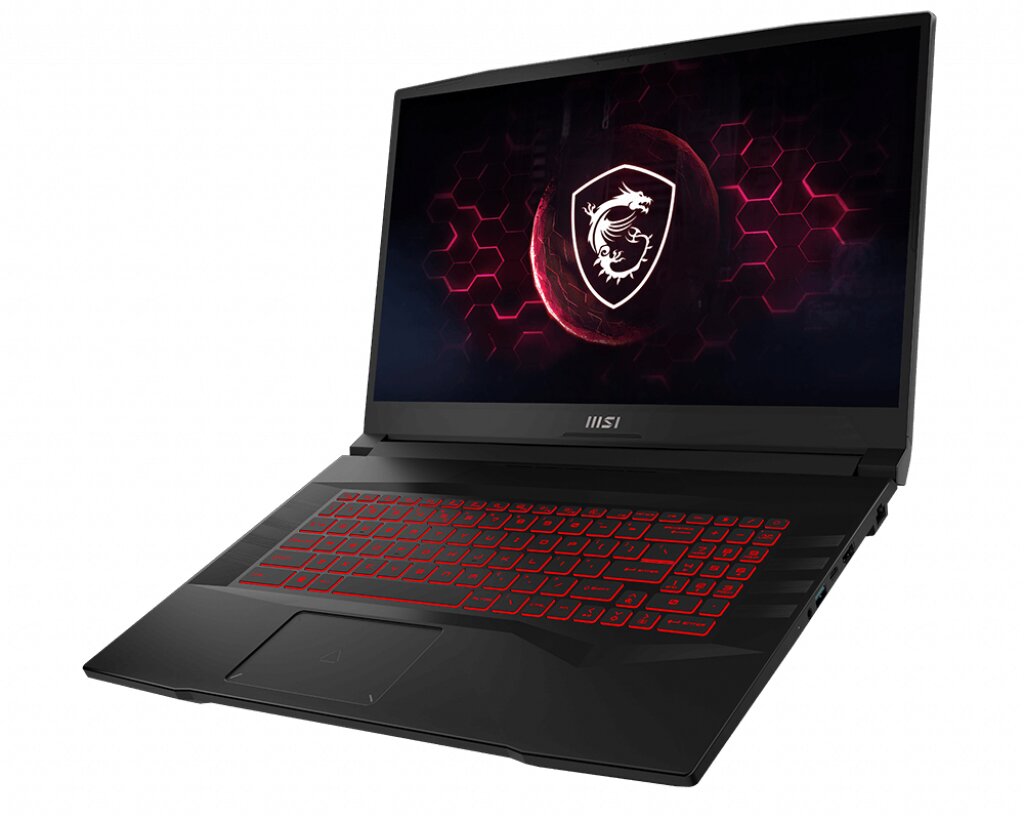
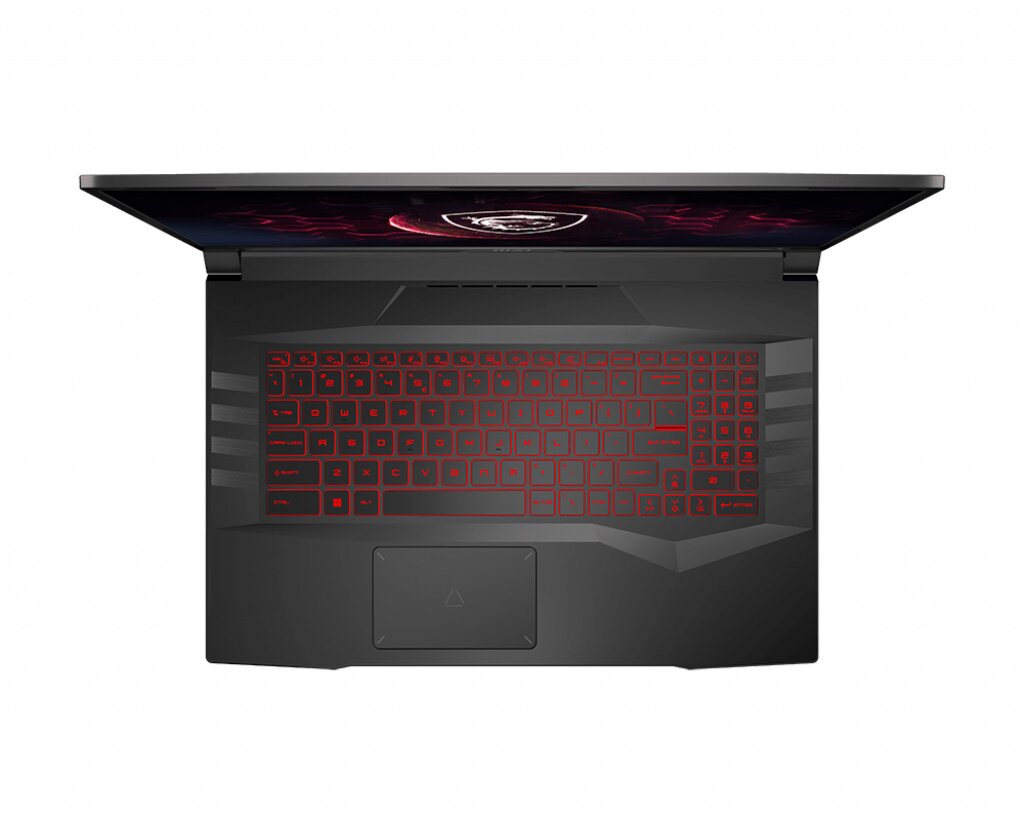
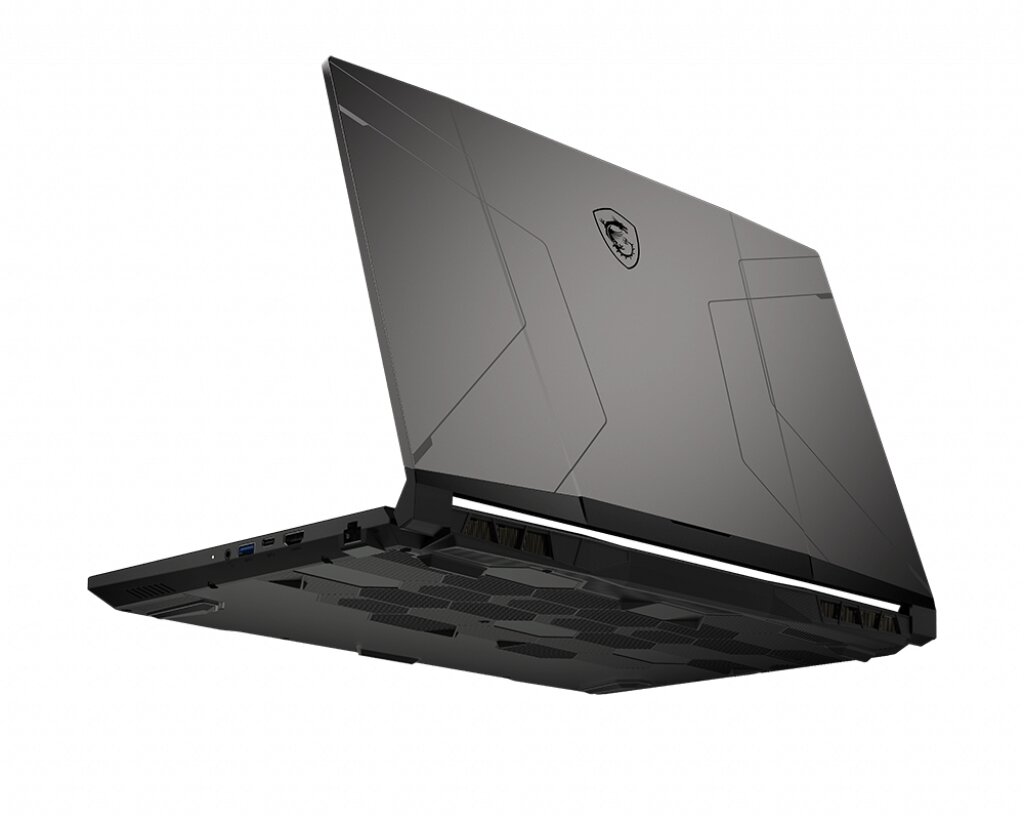
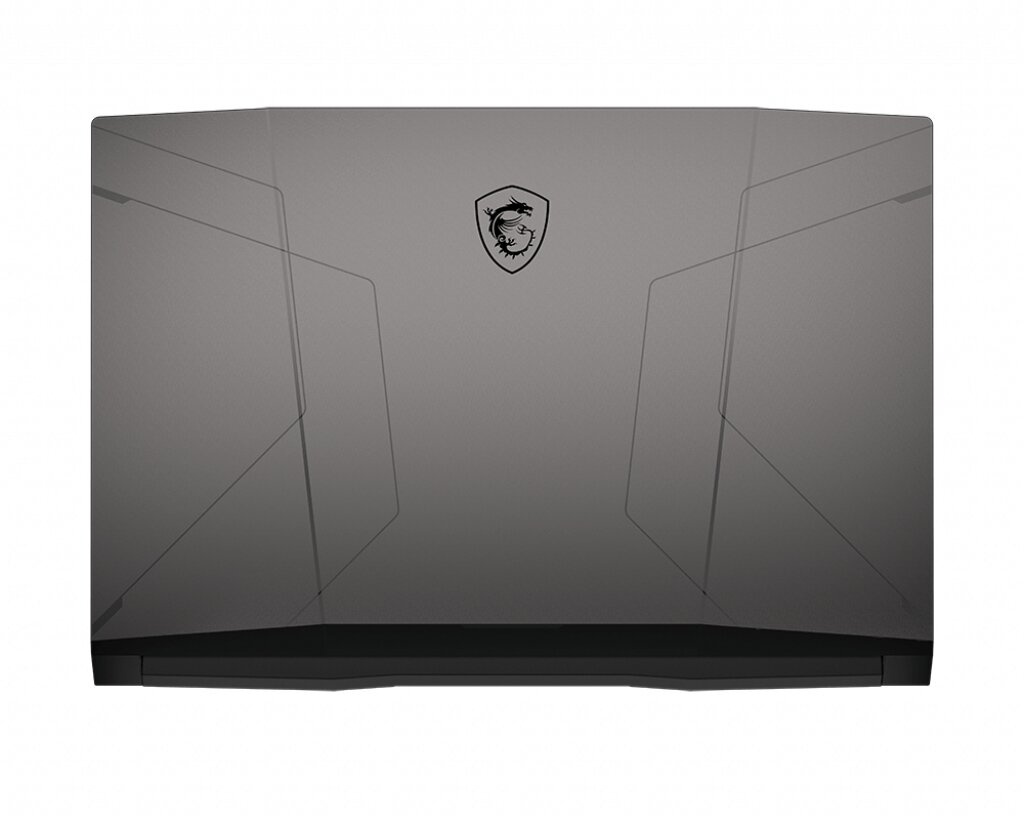
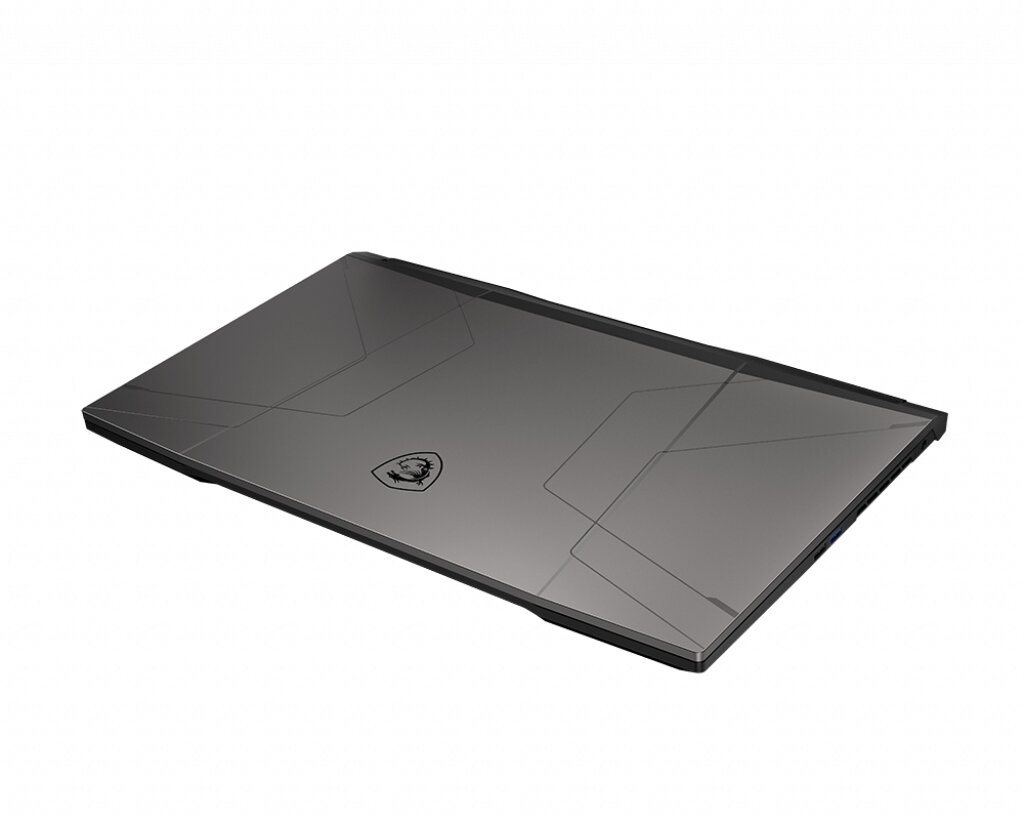
The MSI GL76 12UEK-404UK Pulse gaming laptop supports DDR4-SDRAM memory upgrades via 2x SO-DIMM slots. Maximum compatible RAM capacity reaches 64 GB total, with DDR4-3200 MHz frequency specifications. Users can upgrade memory modules in the GL series to enhance system performance, replacing or adding SO-DIMM form factor modules within compatibility parameters. Current slots accommodate expansion up to the maximum supported capacity through standard DDR4 memory specifications.
Memory Upgrade Specifications
| Specification | Value |
|---|---|
| Memory slots | 2x SO-DIMM |
| Form factor | SO-DIMM |
| Memory type | DDR4-SDRAM |
| Frequency | 3200 MHz |
| Maximum RAM | 64 GB |
| Voltage | 1.2V |
| Number of pins | 260-pin |
| Interface | PC4 |
| PC Speed Rating | PC4-3200 (PC4-25600) |
| Bandwidth | 25.6 GB/s |
| Laptop Release date | 09 December 2022 |
Additional Notes
- SO-DIMM form factor restricts upgrade options to laptop-specific modules; desktop DDR4 DIMMs cannot be physically installed due to notch positioning and pin configuration differences.
- The 3200 MHz frequency ceiling means faster DDR4 modules (3600 MHz or higher) will downclock to 3200 MHz, making premium high-frequency RAM unnecessary and economically inefficient for this MSI GL76 12UEK-404UK Pulse system.
- Dual SO-DIMM configuration requires matched pairs for optimal dual-channel performance; populating only 1 slot reduces memory bandwidth by approximately 50 percent, creating a bottleneck in gaming and content creation workloads.
- The 64 GB maximum capacity indicates the memory controller and BIOS support higher densities; upgrading from factory configuration to 2x32 GB modules provides full addressable memory without further expansion possibility.
- DDR4-SDRAM backward compatibility allows mixing older and newer SO-DIMM modules, but they will all operate at the slowest module's speed, potentially negating performance gains from newer memory.
- SO-DIMM slot access typically requires removing bottom panel covers; warranty implications depend on whether MSI's coverage explicitly permits end-user memory installation versus technician-only service.