MSI Gaming GP72-2QEi581FD (Leopard Pro) RAM upgrade specifications
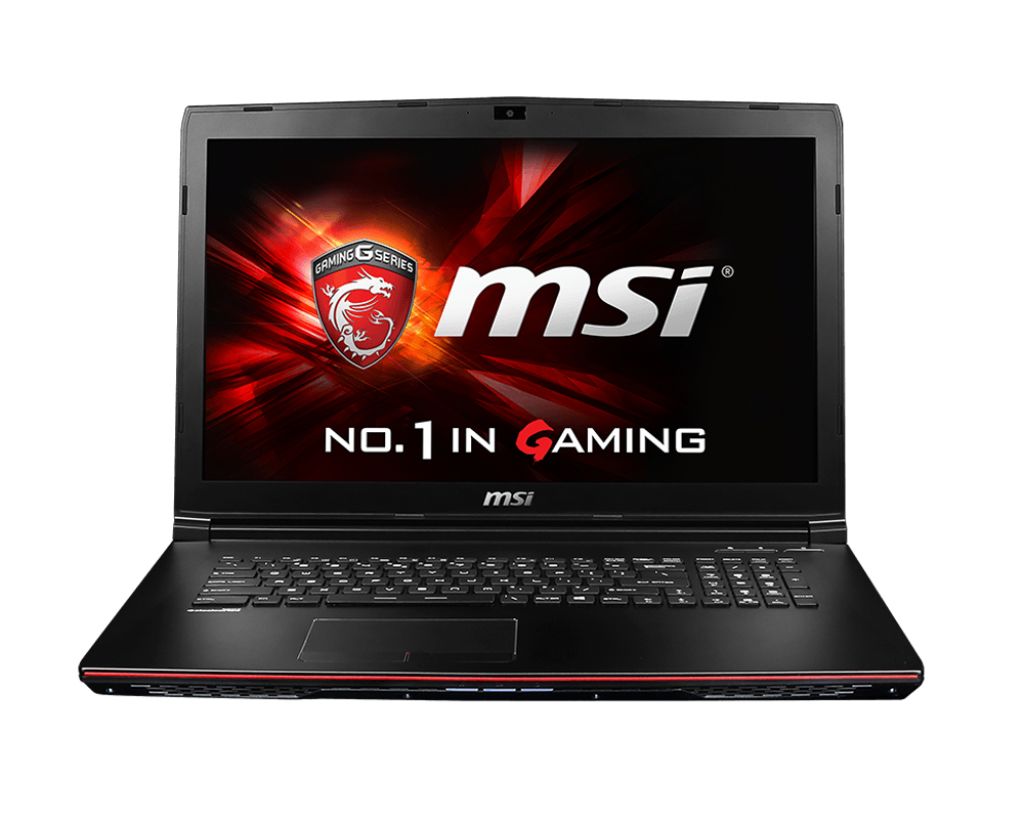

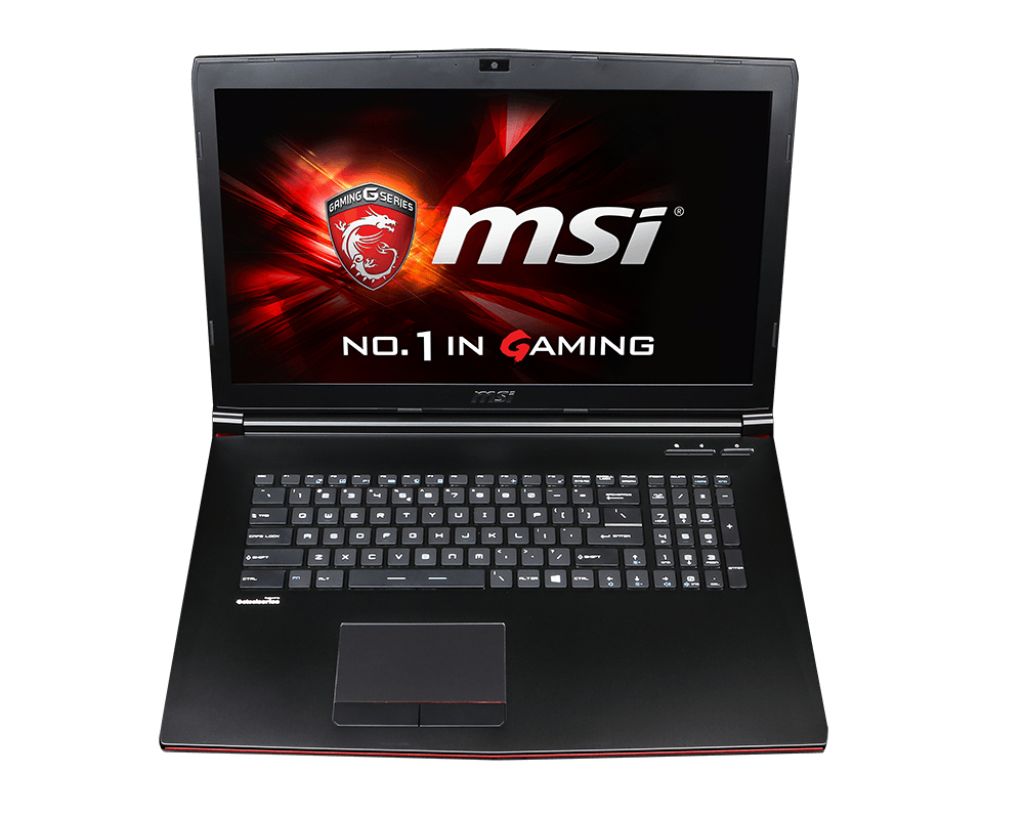
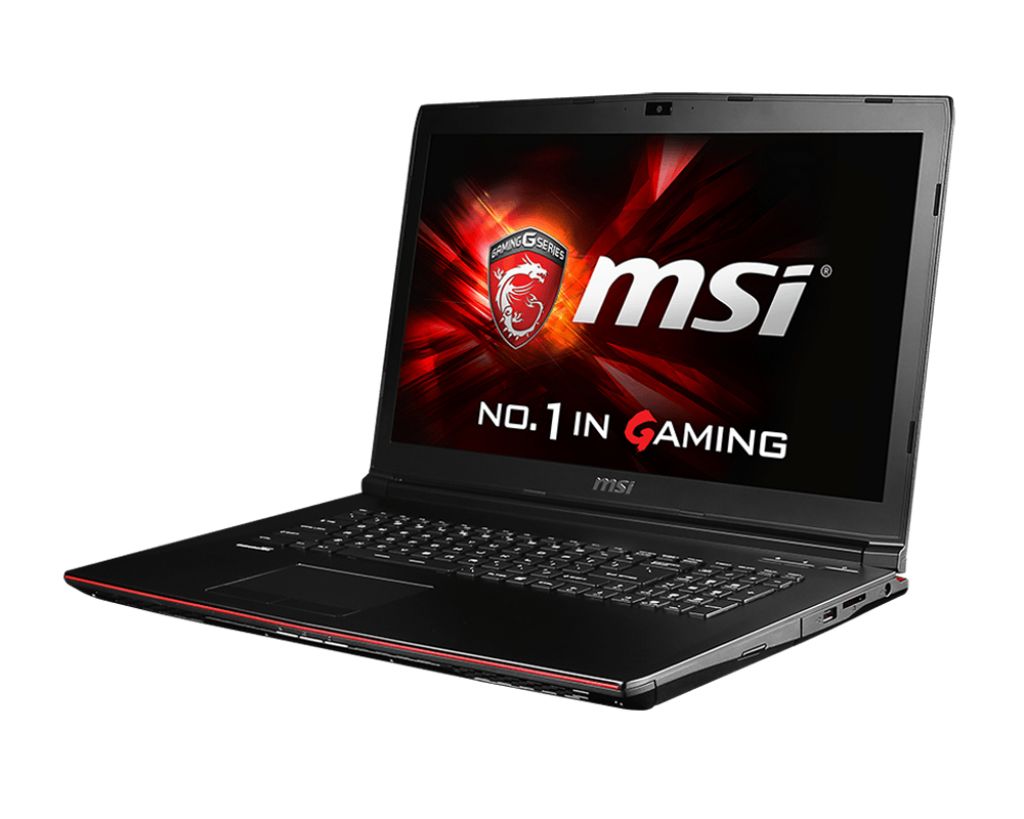

MSI GP72-2QEi581FD Leopard Pro gaming laptop memory upgrade specifications detail DDR3L-SDRAM compatibility with 2x SO-DIMM slots supporting maximum capacity of 16 GB total RAM. Compatible memory modules operate at 1600 MHz frequency. Upgrade specifications indicate SO-DIMM form factor for memory installation. Maximum supported memory capacity represents total expandable RAM available across both upgrade slots in this gaming series model.
Memory Upgrade Specifications
| Specification | Value |
|---|---|
| Memory slots | 2x SO-DIMM |
| Form factor | SO-DIMM |
| Memory type | DDR3L-SDRAM |
| Frequency | 1600 MHz |
| Maximum RAM | 16 GB |
| Voltage | 1.35V (Low Voltage) |
| Number of pins | 204-pin |
| Interface | PC3L |
| PC Speed Rating | PC3L-1600 (PC3L-12800) |
| Bandwidth | 12.8 GB/s |
| Laptop Release date | 01 October 2015 |
Additional Notes
- The low voltage requirement of the DDR3L standard ensures compatibility with the integrated memory controller while reducing thermal output compared to standard 1.5V modules.
- Dual channel architecture requires matching memory capacities in both SO-DIMM slots to achieve peak data transfer rates and avoid bandwidth bottlenecks during gaming.
- The MSI GP72-2QEi581FD (Leopard Pro) utilizes a 1.35V signaling protocol which prohibits the installation of older 1.5V DDR3 modules due to potential system instability or failure to boot.
- Hardware limitations on the motherboard chipset prevent the recognition of individual modules exceeding 8 GB or total system memory beyond the 16 GB threshold.
- Total memory capacity is distributed across 2 physical slots, requiring the removal of existing modules to reach the maximum supported configuration.
- Latency timings are governed by the 1600 MHz clock speed, meaning higher frequency modules will be automatically downclocked to maintain synchronous operation with the processor bus.
- Physical installation involves accessing the internal mainboard through the base panel, which may be secured by factory seal stickers depending on regional warranty policies.