MSI Gaming GP76 Leopard 10UE-091FR RAM upgrade specifications

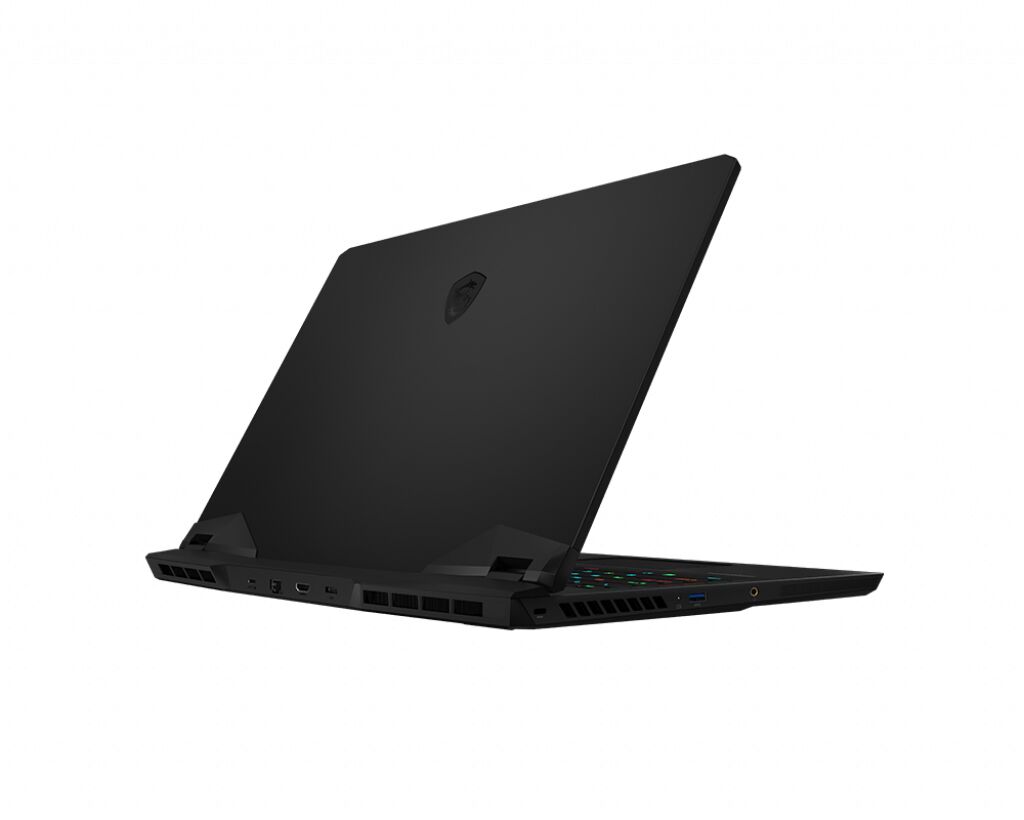
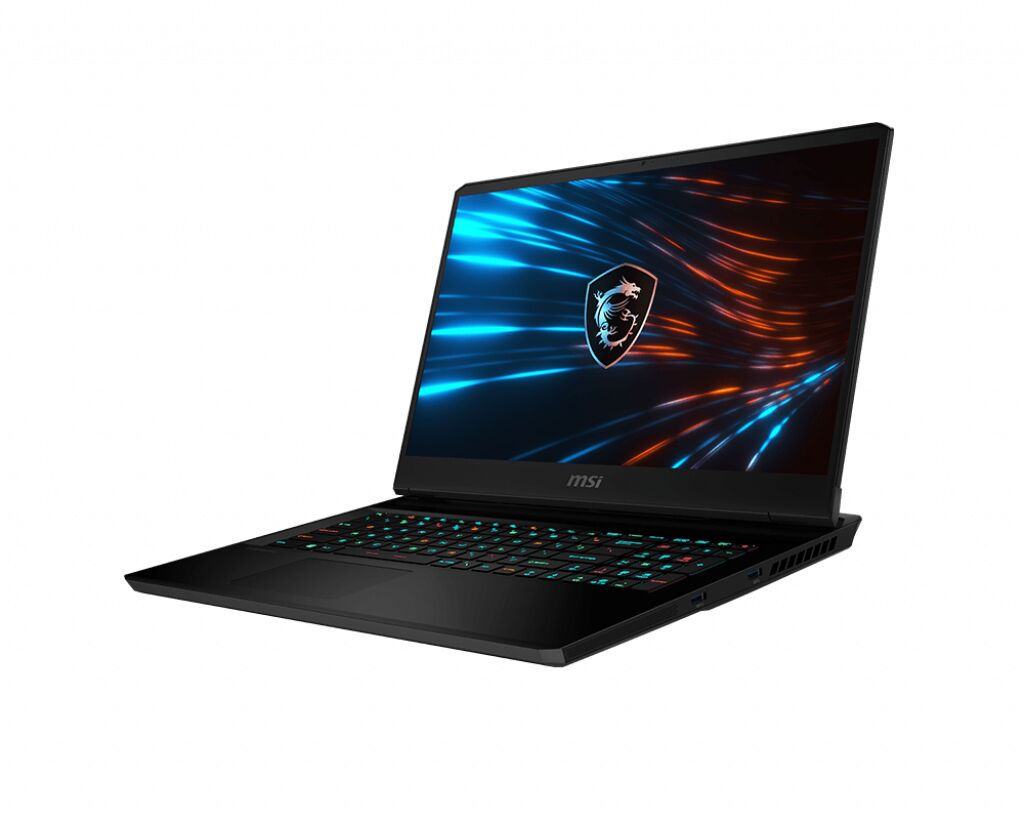

The MSI GP76 Leopard 10UE-091FR gaming laptop features DDR4-SDRAM memory upgrade specifications with two SO-DIMM slots supporting a maximum capacity of 64 GB. Compatible memory modules operate at 3200 MHz frequency and utilize the SO-DIMM form factor. The GP76 Leopard series accommodates RAM upgrades through its dual memory slots, enabling users to expand the system's total memory capacity up to the specified maximum. These specifications define the compatible memory upgrade options available for the MSI GP series gaming laptop model.
Memory Upgrade Specifications
| Specification | Value |
|---|---|
| Memory slots | 2x SO-DIMM |
| Form factor | SO-DIMM |
| Memory type | DDR4-SDRAM |
| Frequency | 3200 MHz |
| Maximum RAM | 64 GB |
| Voltage | 1.2V |
| Number of pins | 260-pin |
| Interface | PC4 |
| PC Speed Rating | PC4-3200 (PC4-25600) |
| Bandwidth | 25.6 GB/s |
| Laptop Release date | 04 February 2021 |
Additional Notes
- The dual-slot configuration indicates that achieving maximum capacity requires two 32 GB modules installed in a symmetrical arrangement to enable dual-channel memory bandwidth.
- The hardware architecture of the MSI GP76 Leopard 10UE-091FR implies that using a single module results in single-channel operation, which creates a significant bottleneck for the processor and integrated graphics performance.
- Memory modules exceeding the 3200 MHz frequency will automatically downclock to match the system bus speed, providing no performance gain over standard specifications.
- Physical access to the SO-DIMM slots requires the removal of the entire bottom chassis panel, which may involve breaking a factory seal depending on regional service policies.
- The 64 GB threshold represents the addressable limit of the chipset, meaning any capacity above this value will not be recognized by the system firmware.
- Upgrading to low-latency CL16 or CL18 kits offers a potential reduction in memory timing overhead compared to standard JEDEC modules despite keeping the same frequency.
- Installation of mismatched RAM densities or speeds between the two slots forces the system to operate at the specifications of the lowest-performing module.