MSI Gaming GF63 8RD-051BE RAM upgrade specifications
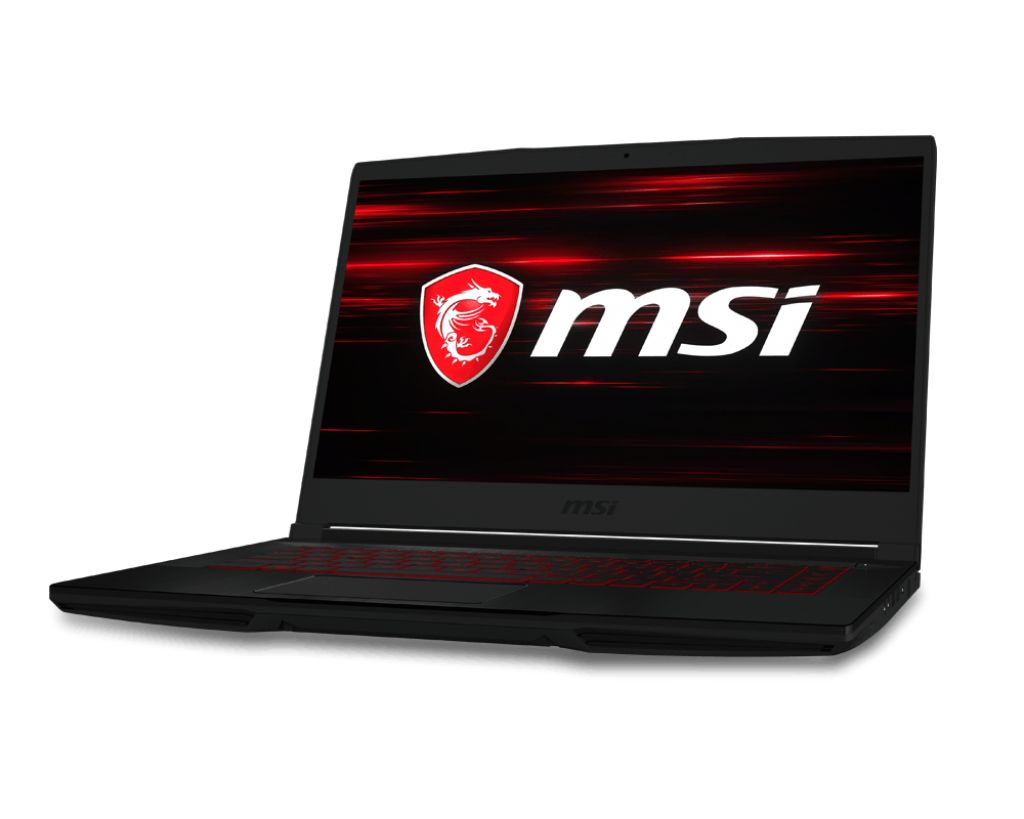
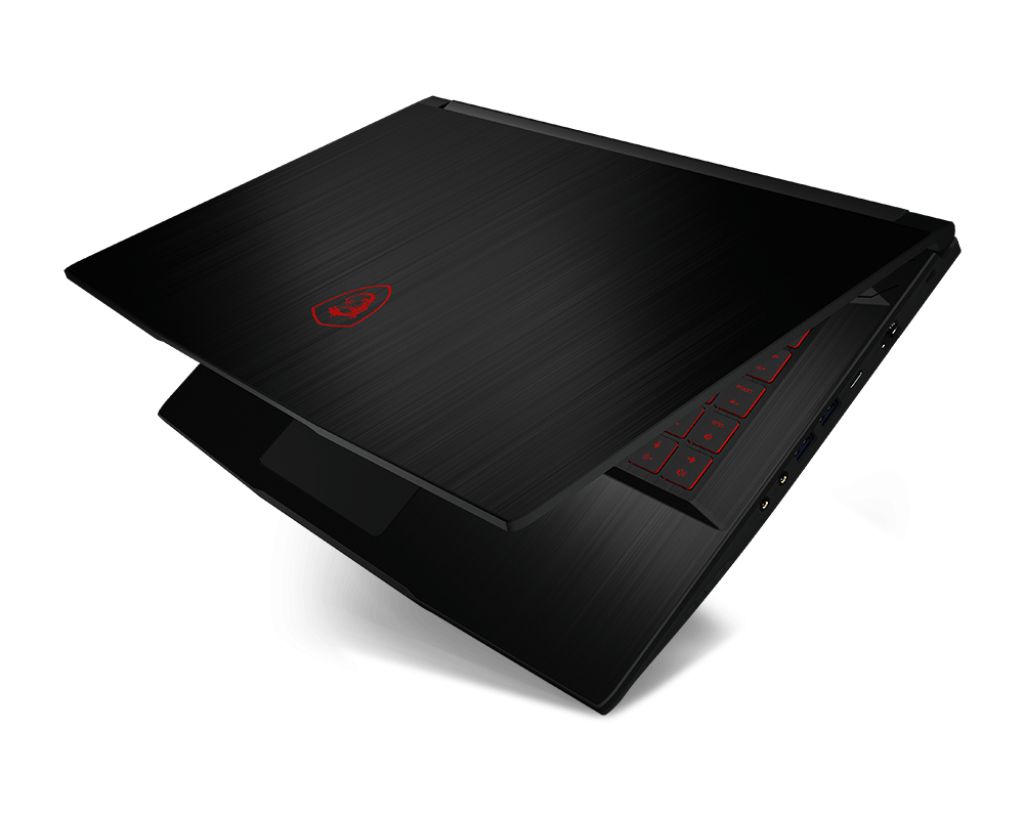
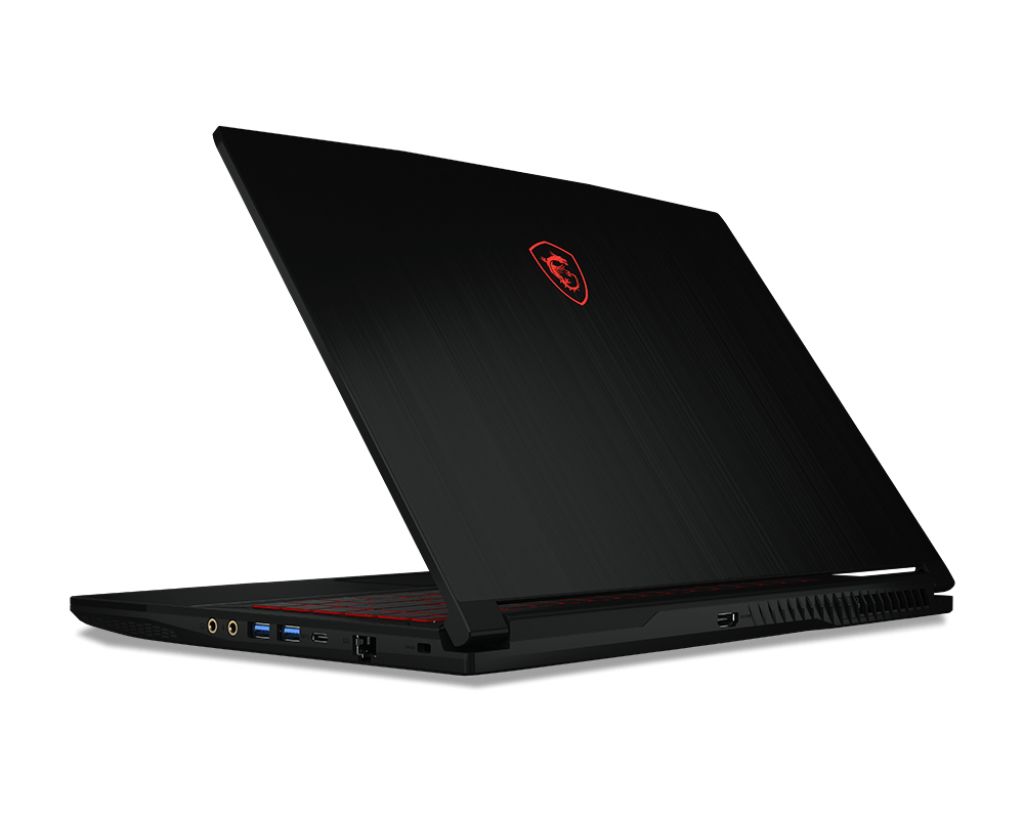
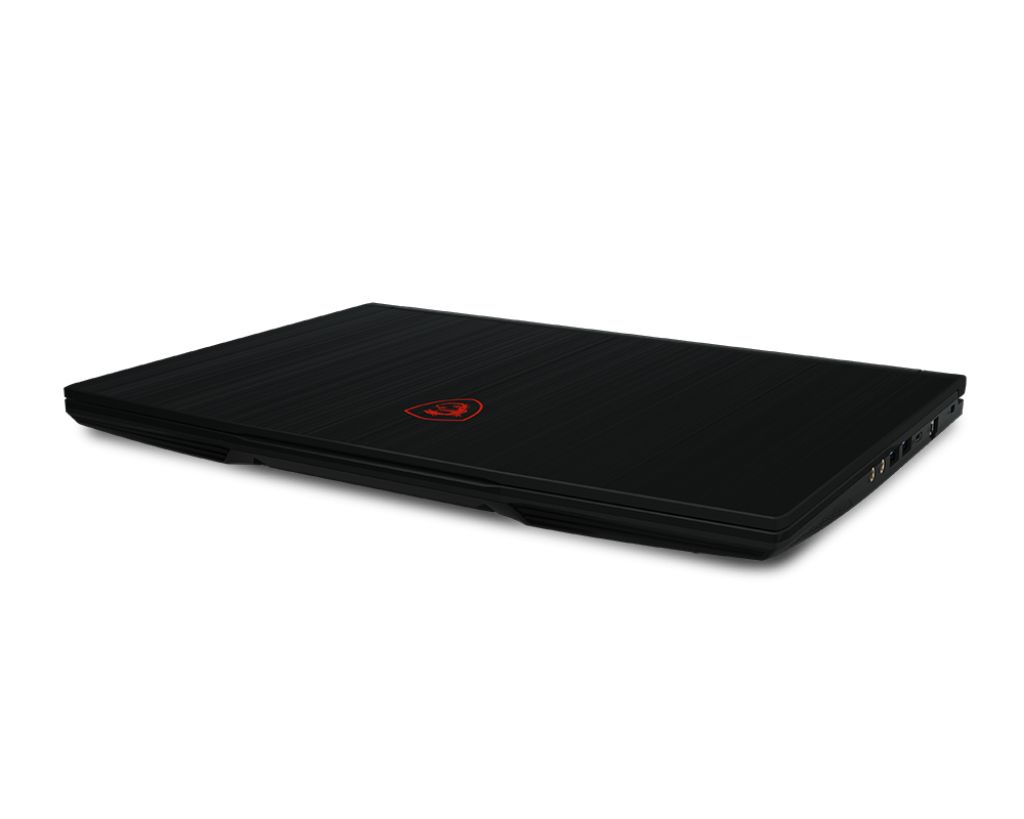
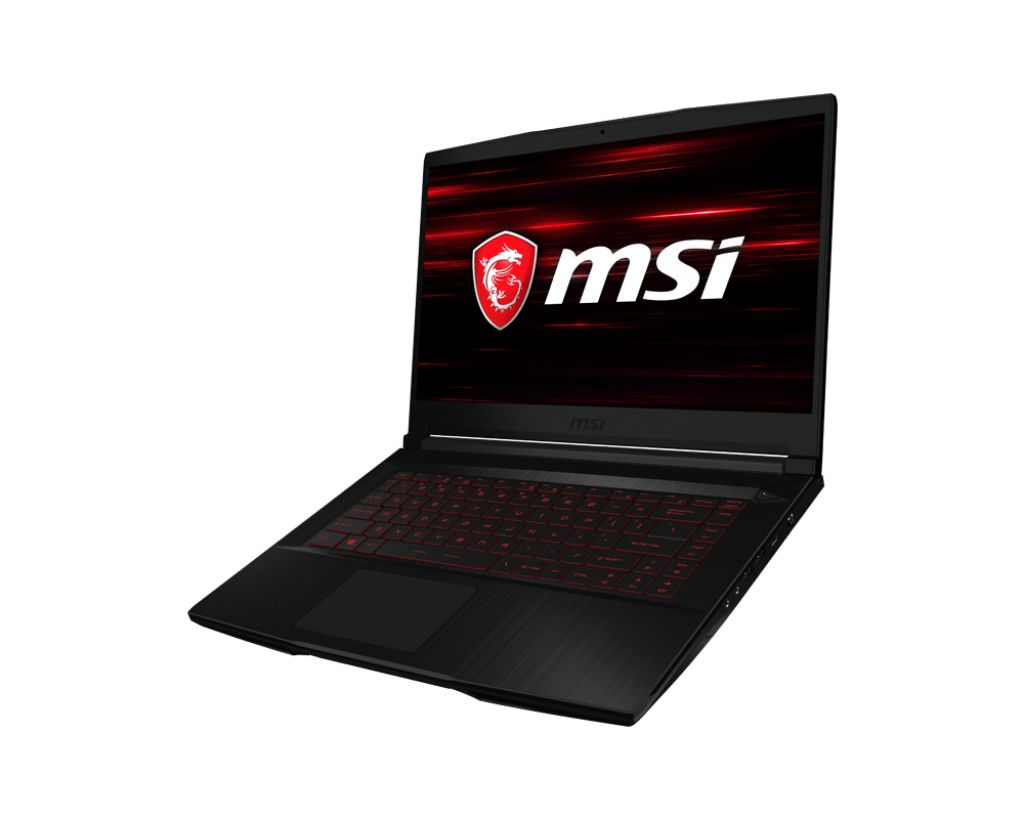
MSI GF63 8RD-051BE Gaming series laptop supports DDR4-SDRAM memory upgrades. The system features 2x SO-DIMM slots with maximum RAM capacity of 32 GB. Current specifications indicate DDR4 memory operating at 266 MHz frequency. Compatible upgrades utilize SO-DIMM form factor modules. Memory expansion allows users to enhance system performance by adding or replacing existing RAM modules up to the maximum supported capacity.
Memory Upgrade Specifications
| Specification | Value |
|---|---|
| Memory slots | 2x SO-DIMM |
| Form factor | SO-DIMM |
| Memory type | DDR4-SDRAM |
| Frequency | 266 MHz |
| Maximum RAM | 32 GB |
| Voltage | 1.2V |
| Number of pins | 260-pin |
| Interface | PC4 |
| PC Speed Rating | PC4-266 (PC4-2128) |
| Bandwidth | 2.1 GB/s |
| Laptop Release date | 08 July 2018 |
Additional Notes
- The MSI GF63 8RD-051BE contains 2 SO-DIMM slots operating at 266 MHz, which represents the effective speed of DDR4-2133 standard memory. This frequency is significantly lower than contemporary DDR4 offerings at 3000+ MHz, constraining sustained bandwidth during memory-intensive gaming or rendering tasks.
- SO-DIMM form factor limits upgrade capacity to 32 GB maximum. Paired with 2 slots, this ceiling means the system cannot accommodate single-module upgrades beyond 16 GB per slot without reaching the hard limit. Both slots must be populated to achieve maximum configuration.
- The 266 MHz specification indicates 8th-generation Intel platform architecture, which predates current DDR4 standards. Memory compatibility is restricted to modules rated for this frequency range; installing faster DDR4 modules will downclock to 266 MHz, eliminating any performance advantage from higher-speed components.
- SO-DIMM slots are user-accessible without removing the system board. This accessibility permits straightforward installation of replacement or additional memory modules without voiding warranty coverage, provided electrostatic discharge precautions are observed during handling.
- Upgrading from factory configuration to 32 GB total capacity requires identifying existing module specifications and matching timing parameters (CAS latency, voltage) to prevent stability degradation. Mixing modules of different speeds, timings, or manufacturers may result in boot failures or data corruption despite technical compatibility.