MSI Workstation WS75 10TK-647AU RAM upgrade specifications
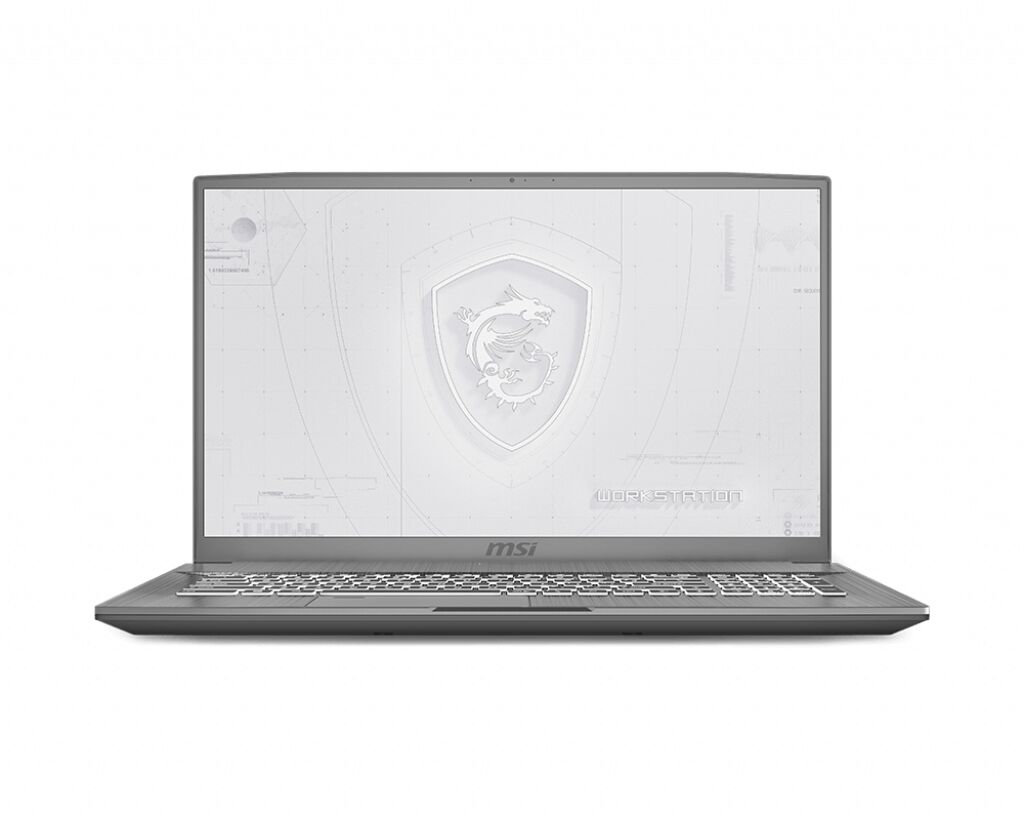
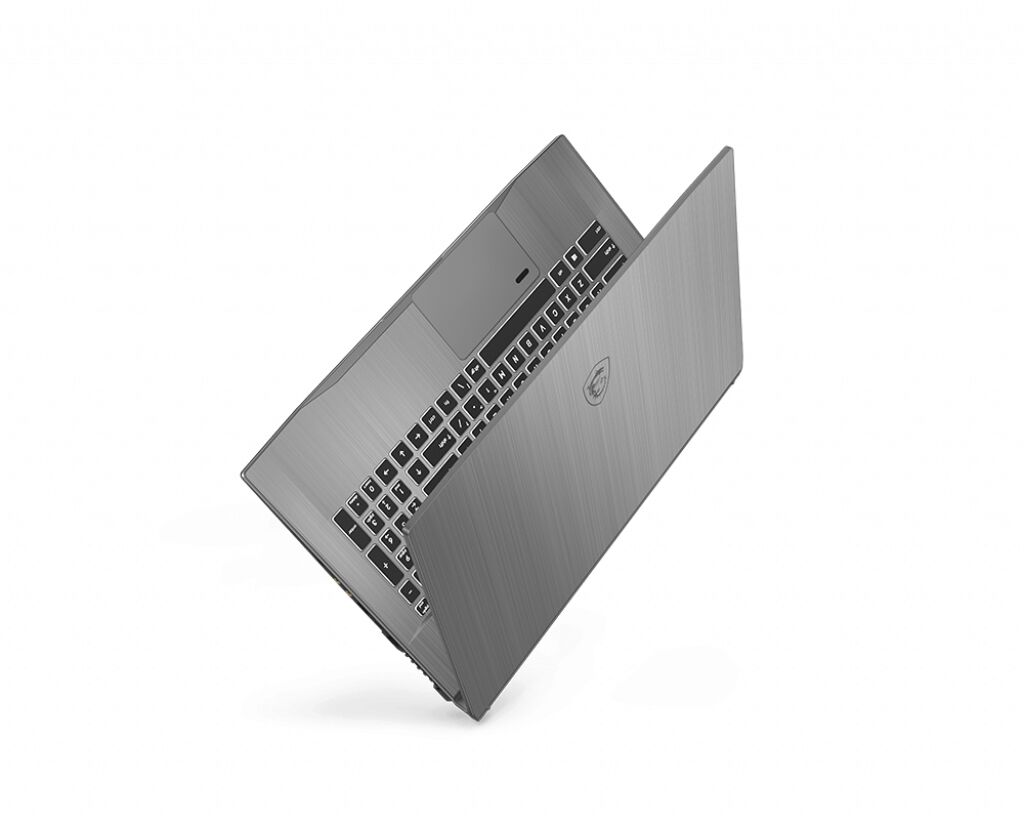
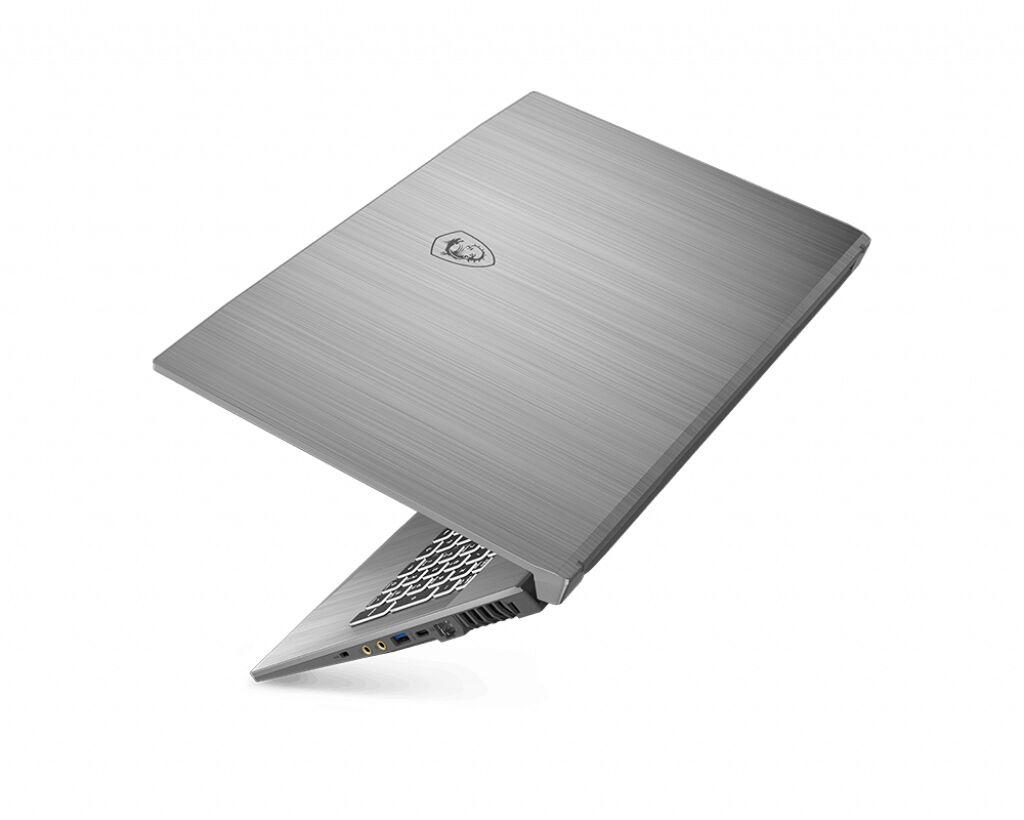
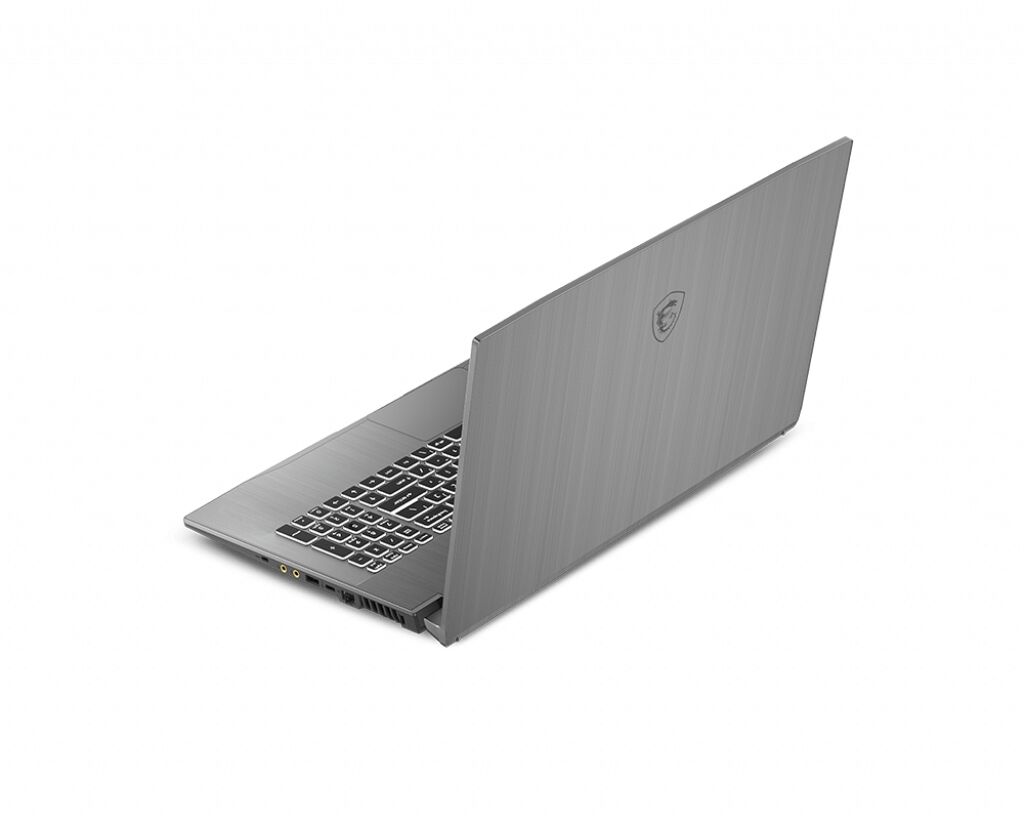
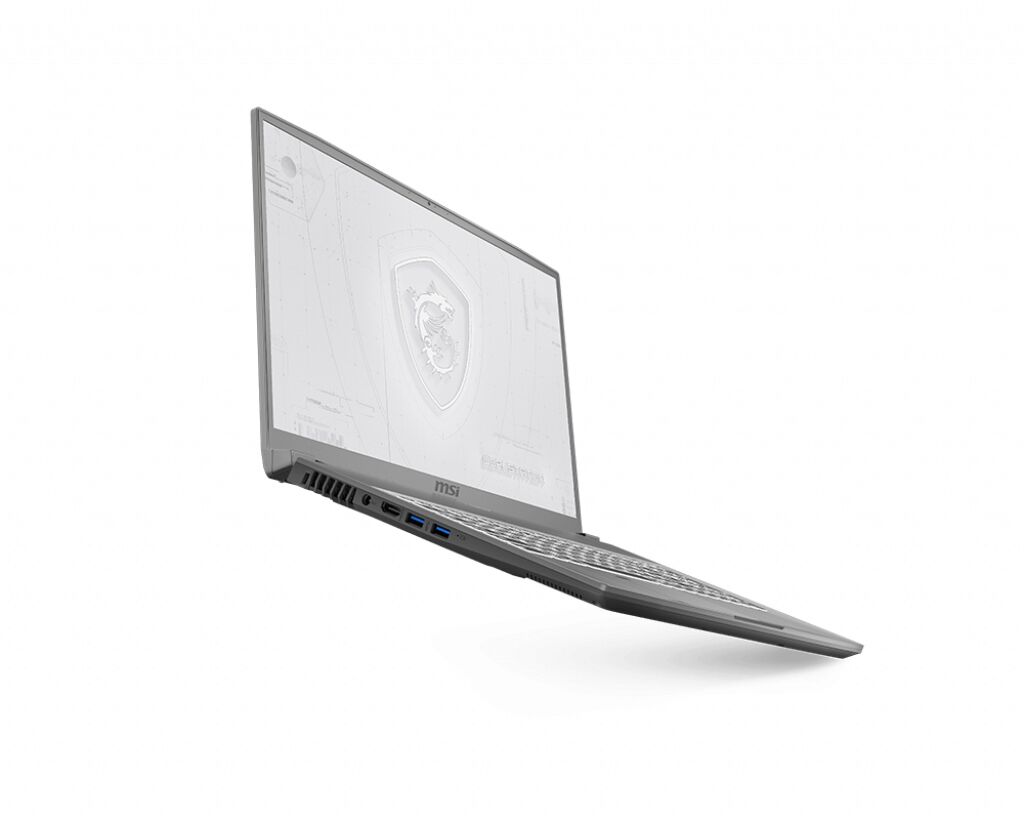
MSI WS75 10TK-647AU workstation series RAM upgrade specifications indicate DDR4-SDRAM memory compatibility with 2x SO-DIMM slots available for capacity expansion. Maximum supported memory capacity reaches 64 GB total, with compatible modules operating at 3200 MHz frequency. SO-DIMM form factor memory modules are required for upgrade compatibility on this professional workstation model. Specifications define upgrade parameters for this MSI WS75 series machine.
Memory Upgrade Specifications
| Specification | Value |
|---|---|
| Memory slots | 2x SO-DIMM |
| Form factor | SO-DIMM |
| Memory type | DDR4-SDRAM |
| Frequency | 3200 MHz |
| Maximum RAM | 64 GB |
| Voltage | 1.2V |
| Number of pins | 260-pin |
| Interface | PC4 |
| PC Speed Rating | PC4-3200 (PC4-25600) |
| Bandwidth | 25.6 GB/s |
| Laptop Release date | 01 August 2020 |
Additional Notes
- The presence of 2 SO-DIMM slots implies that reaching the 64 GB maximum requires the installation of 2 32 GB modules in a dual-channel configuration.
- The MSI WS75 10TK-647AU utilizes a flipped motherboard design where the memory slots are located on the underside of the mainboard, necessitating a full disassembly for physical installation.
- System bandwidth peaks when matching pairs are used, as mismatched capacities or speeds will force the memory controller to default to single-channel mode or the lowest common frequency.
- DDR4 3200 MHz modules will experience a downclock to 2933 MHz if the specific 10th Gen Intel processor variant lacks native support for the higher frequency ceiling.
- Replacement of existing modules is mandatory for upgrades since the chassis lacks additional vacant slots for expansion beyond the initial 2 occupied ports.
- Thermal constraints within the thin-profile workstation chassis suggest using standard voltage 1.2V modules rather than high-voltage overclocked variants to maintain stability during heavy rendering tasks.
- Integrity of the factory seal on the bottom panel must be considered, as access to the RAM usually involves breaking a thermal or warranty sticker.