ASUS ROG G713QR-ES76 RAM upgrade specifications



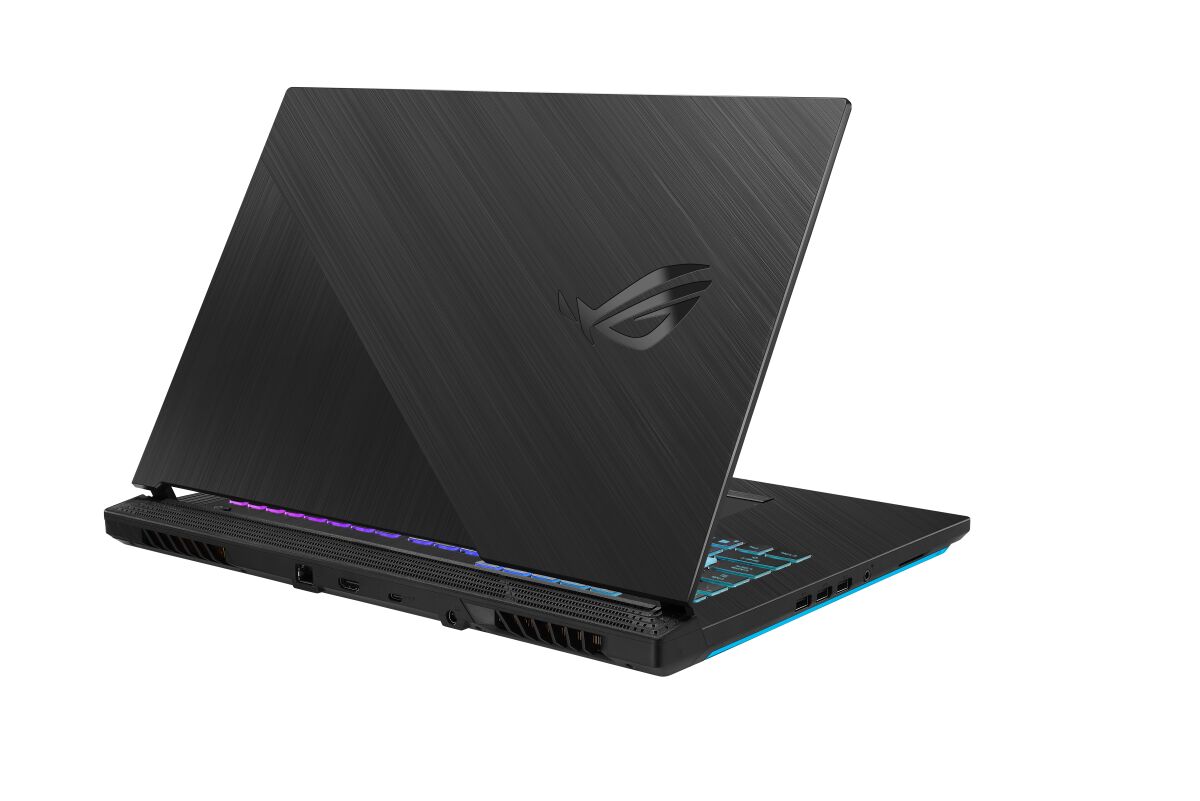
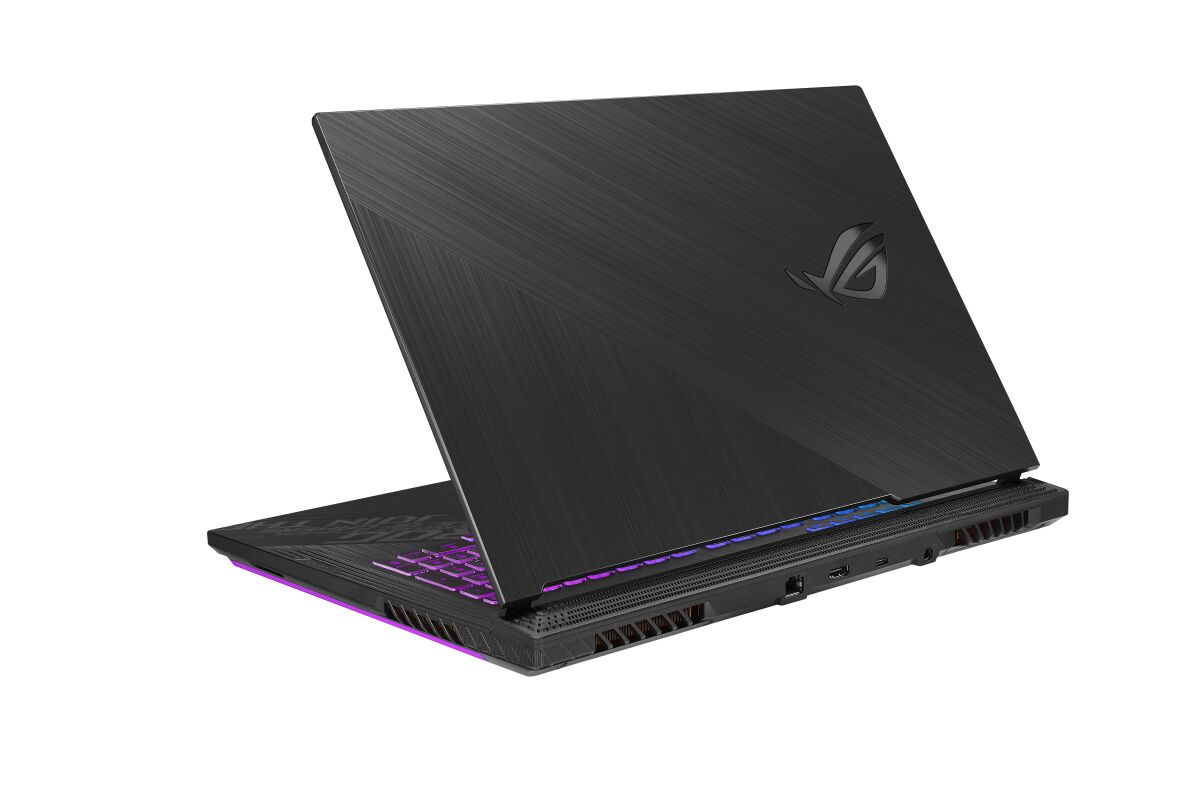
ASUS ROG Strix G17 model G713QR-ES76 features DDR4-SDRAM memory configuration with two SO-DIMM slots supporting maximum RAM capacity of 32 GB total. Compatible memory upgrade specifications include DDR4 modules operating at 3200 MHz frequency. The SO-DIMM form factor designates compatibility with laptop-standard memory modules. Upgrade slots allow installation of additional memory to reach maximum specifications, with each slot accommodating individual memory modules up to the supported capacity threshold for this gaming laptop model.
Memory Upgrade Specifications
| Specification | Value |
|---|---|
| Memory slots | 2x SO-DIMM |
| Form factor | SO-DIMM |
| Memory type | DDR4-SDRAM |
| Frequency | 3200 MHz |
| Maximum RAM | 32 GB |
| Voltage | 1.2V |
| Number of pins | 260-pin |
| Interface | PC4 |
| PC Speed Rating | PC4-3200 (PC4-25600) |
| Bandwidth | 25.6 GB/s |
| Laptop Release date | 04 January 2021 |
Additional Notes
- The ASUS ROG G713QR-ES76 contains 2 SO-DIMM slots, which means both slots must be populated simultaneously to achieve the 32 GB maximum capacity. Upgrading requires replacing existing modules rather than adding to a single empty slot.
- DDR4-3200 memory operates at a fixed frequency ceiling on this platform. Third-party modules rated for 3600 MHz or higher will downclock to 3200 MHz, eliminating any speed advantage and wasting the premium paid for faster specifications.
- SO-DIMM form factor indicates this system uses laptop-grade memory. Standard desktop DDR4 DIMMs are physically incompatible and cannot be installed, even though electrical specifications may appear similar.
- The 2-slot architecture creates a bandwidth bottleneck for memory-intensive workloads. Dual-channel operation at 3200 MHz provides approximately 51.2 GB/s throughput, which may constrain performance in video rendering, 3D modeling, or scientific computing relative to workstations with 4-slot configurations.
- Warranty coverage typically permits RAM replacement without voiding protection on this ROG gaming platform. Non-OEM modules may trigger technical support restrictions, making ASUS-specified DDR4 SO-DIMMs the safest upgrade path from a coverage standpoint.
- SO-DIMM slots occupy minimal physical space within the chassis. Installation requires removing bottom panels and accessing the motherboard directly; motherboard-mounted heatsinks or power delivery components may restrict clearance during module insertion depending on internal design.