ASUS ROG G814JU-N5040W RAM upgrade specifications




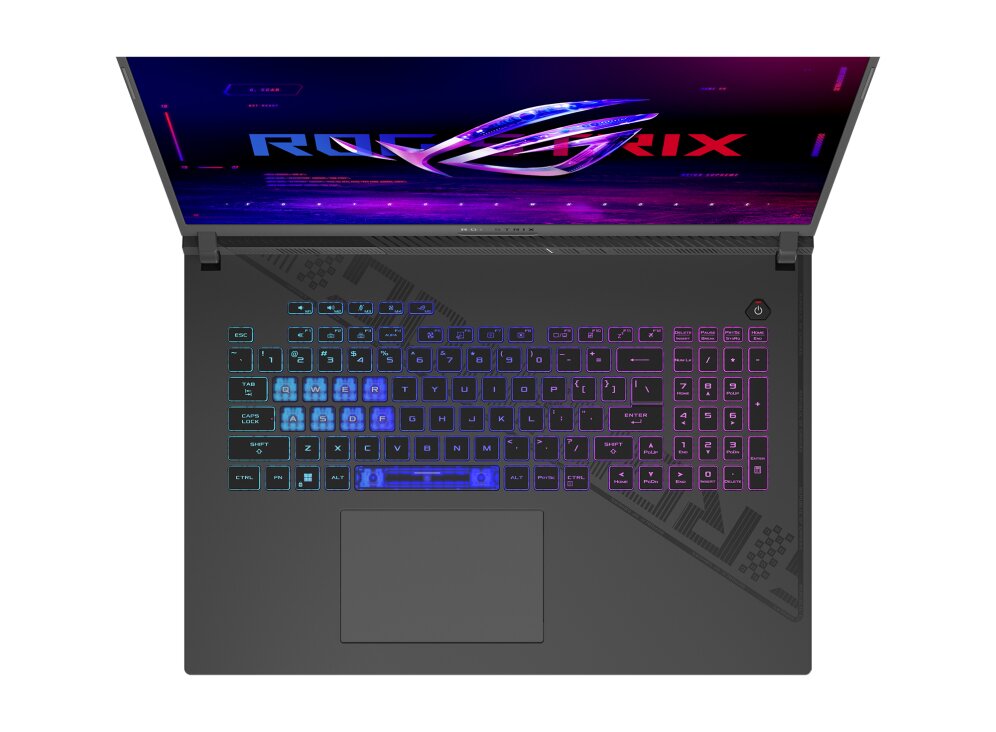
ASUS ROG Strix G18 G814JU-N5040W laptop supports DDR5-SDRAM memory upgrades with 2x SO-DIMM slots. Maximum RAM capacity reaches 32 GB total. Memory modules operate at 4800 MHz frequency. Compatible upgrades utilize SO-DIMM form factor specifications. Current configuration and maximum memory capacity specifications enable RAM expansion for enhanced system performance and multitasking capabilities on this gaming laptop model.
Memory Upgrade Specifications
| Specification | Value |
|---|---|
| Memory slots | 2x SO-DIMM |
| Form factor | SO-DIMM |
| Memory type | DDR5-SDRAM |
| Frequency | 4800 MHz |
| Maximum RAM | 32 GB |
| Voltage | 1.1V |
| Number of pins | 262-pin |
| Interface | PC5 |
| PC Speed Rating | PC5-4800 (PC5-38400) |
| Bandwidth | 38.4 GB/s |
Additional Notes
- The ASUS ROG G814JU-N5040W uses SO-DIMM modules instead of standard desktop DIMMs, requiring physically smaller memory modules with 260 pins versus the 288 pins found in desktop configurations.
- DDR5-SDRAM modules are not backward compatible with DDR4 slots due to different pin configurations and voltage requirements, preventing use of older generation memory.
- The 32 GB maximum capacity limitation suggests a chipset or BIOS restriction that prevents recognition of higher density modules, even if physically compatible modules are installed.
- Operating at 4800 MHz represents the JEDEC baseline speed for DDR5, indicating the system does not support higher frequency modules or will automatically downclock faster rated memory to this specification.
- With only 2 memory slots available, reaching the 32 GB maximum requires installing 2x 16 GB modules, which eliminates future expansion options without replacing existing memory.
- DDR5 modules incorporate onboard power management integrated circuits, making them incompatible with motherboards designed for DDR4's simpler voltage regulation architecture.
- The SO-DIMM form factor restricts compatibility to laptop-specific modules, which typically command higher prices per gigabyte compared to equivalent desktop memory.
- Memory speed verification requires BIOS or system information utilities, as physical module labels may show higher rated speeds that the system cannot utilize due to the 4800 MHz frequency lock.
- Dual-channel memory architecture requires installing matched pairs in both slots to achieve optimal bandwidth, as single-module configurations will operate in slower single-channel mode.
- Warranty preservation typically requires avoiding modifications that involve breaking factory seals, though memory upgrades generally fall within user-serviceable components on most manufacturers' policies.