ASUS ROG GX703HS-KF007T RAM upgrade specifications


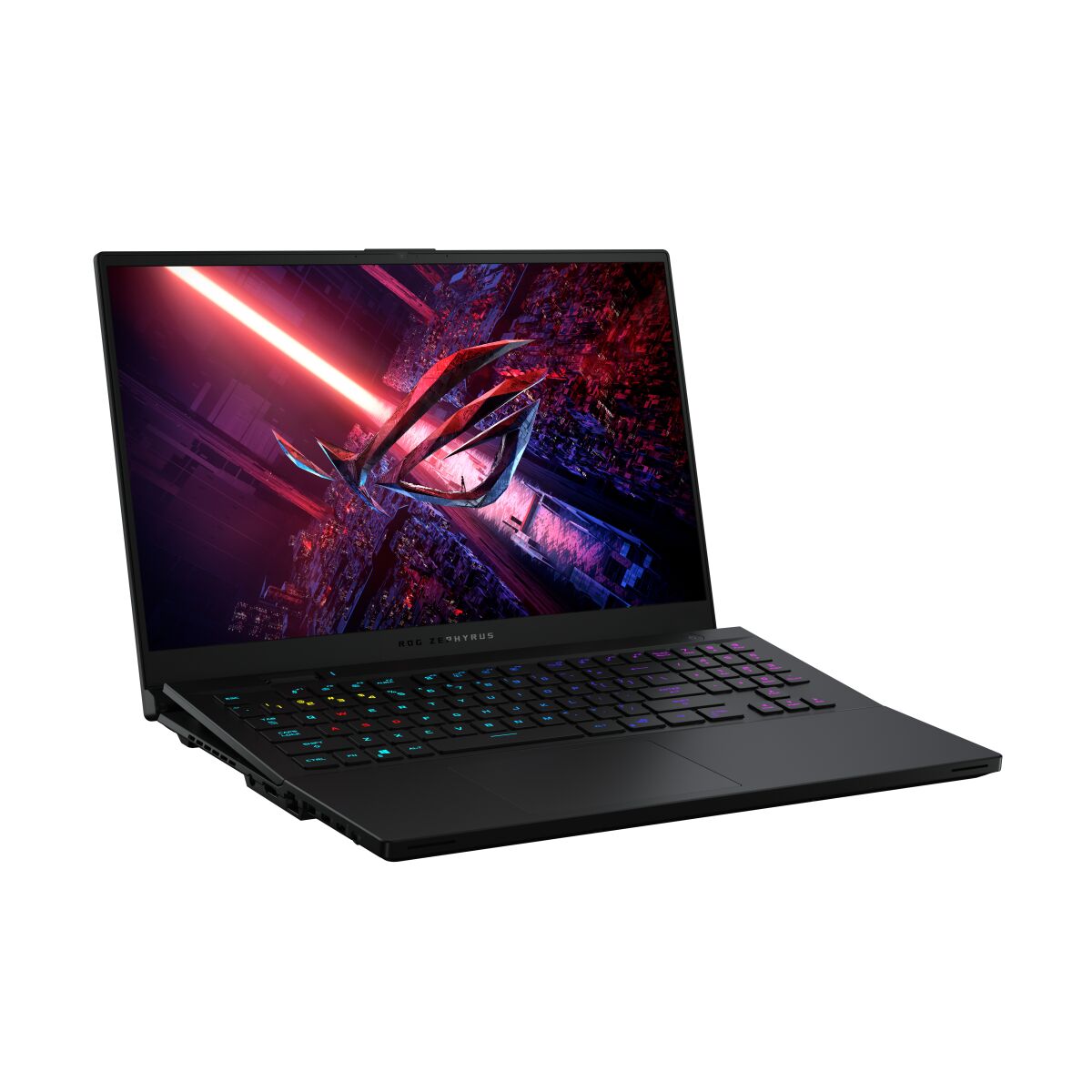


The ASUS ROG Zephyrus S17 GX703HS-KF007T features DDR4-SDRAM memory specifications with upgrade capacity via one SO-DIMM slot. The laptop includes on-board memory combined with one SO-DIMM expansion slot, allowing maximum RAM capacity of 48 GB. Memory operates at 3200 MHz frequency. Upgrade specifications indicate compatible DDR4 modules for the single SO-DIMM slot, with maximum supported capacity reaching 48 GB total across on-board and upgradeable components.
Memory Upgrade Specifications
| Specification | Value |
|---|---|
| Memory slots | 1x SO-DIMM |
| Form factor | On-board + SO-DIMM |
| Memory type | DDR4-SDRAM |
| Frequency | 3200 MHz |
| Maximum RAM | 48 GB |
| Voltage | 1.2V |
| Number of pins | 260-pin |
| Interface | PC4 |
| PC Speed Rating | PC4-3200 (PC4-25600) |
| Bandwidth | 25.6 GB/s |
| Laptop Release date | 25 May 2021 |
Additional Notes
- The ASUS ROG GX703HS-KF007T employs a hybrid memory architecture combining soldered RAM with a single expansion slot, limiting future upgrade flexibility compared to dual-slot configurations.
- The 48 GB maximum capacity indicates 16 GB of permanently soldered memory on the motherboard, restricting the user-accessible slot to a single 32 GB module for reaching the stated ceiling.
- Removing or replacing the soldered memory component requires motherboard-level service and immediately voids manufacturer warranty coverage.
- The single SO-DIMM slot prevents dual-channel memory operation if only the expansion slot is populated, as the soldered portion dictates the channel configuration.
- DDR4-3200 modules must match the frequency and timing profiles of the soldered memory to avoid automatic downclocking to the lowest common denominator across both components.
- The form factor restriction to 260-pin SO-DIMM modules excludes standard desktop DIMM memory, which physically cannot fit the notebook socket.
- Memory bandwidth peaks at 51.2 GB/s theoretical maximum when operating in dual-channel mode at 3200 MHz, though real-world performance depends on latency timings of the installed module.
- Installing a module with higher voltage requirements than DDR4 standard (1.2V) may cause system instability or rejection during POST, as gaming laptops typically lack voltage adjustment options.
- The occupied slot design requires complete disassembly of the lower chassis panel to access the memory compartment, unlike some models with dedicated service hatches.
- Third-party modules lacking XMP profile support will default to JEDEC standard speeds, potentially underperforming relative to the 3200 MHz specification unless manually configured in BIOS.
- Thermal considerations become critical when installing 32 GB modules, as higher-density chips generate more heat in the confined laptop environment compared to lower-capacity alternatives.
- The asymmetric memory configuration (soldered plus one slot) may create uneven rank distribution, impacting memory interleaving efficiency depending on the installed module's rank architecture.