MSI Gaming GE63 8SF-019CZ Raider RGB RAM upgrade specifications


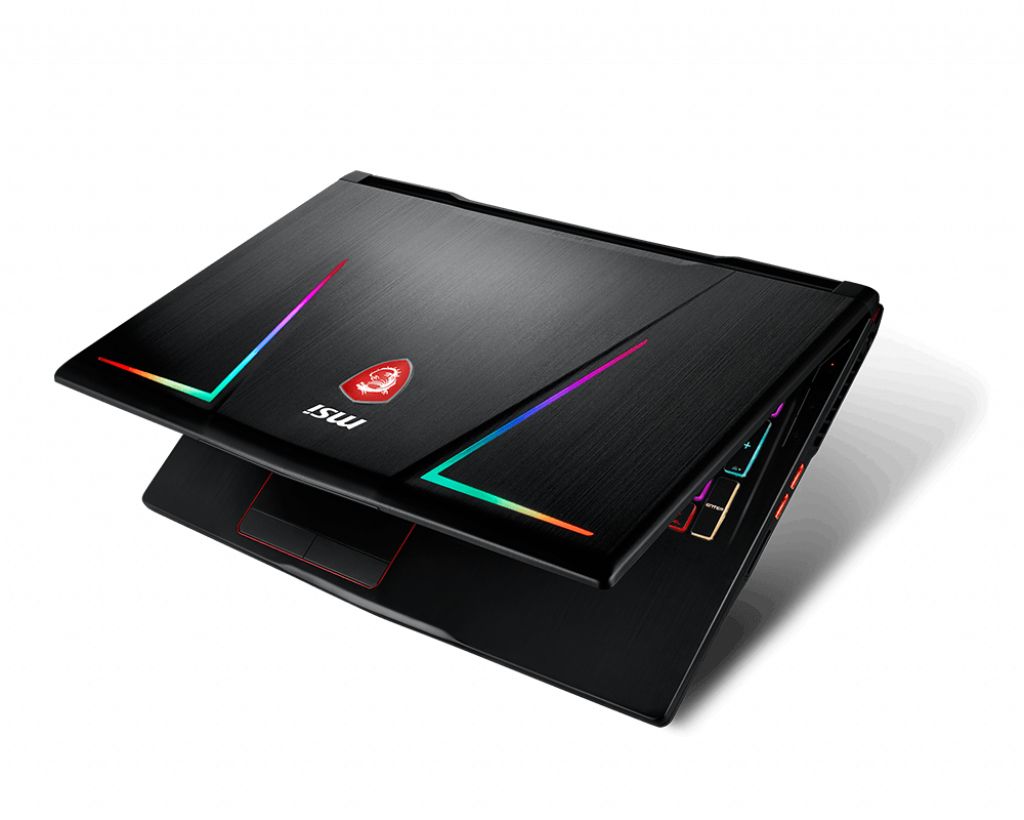
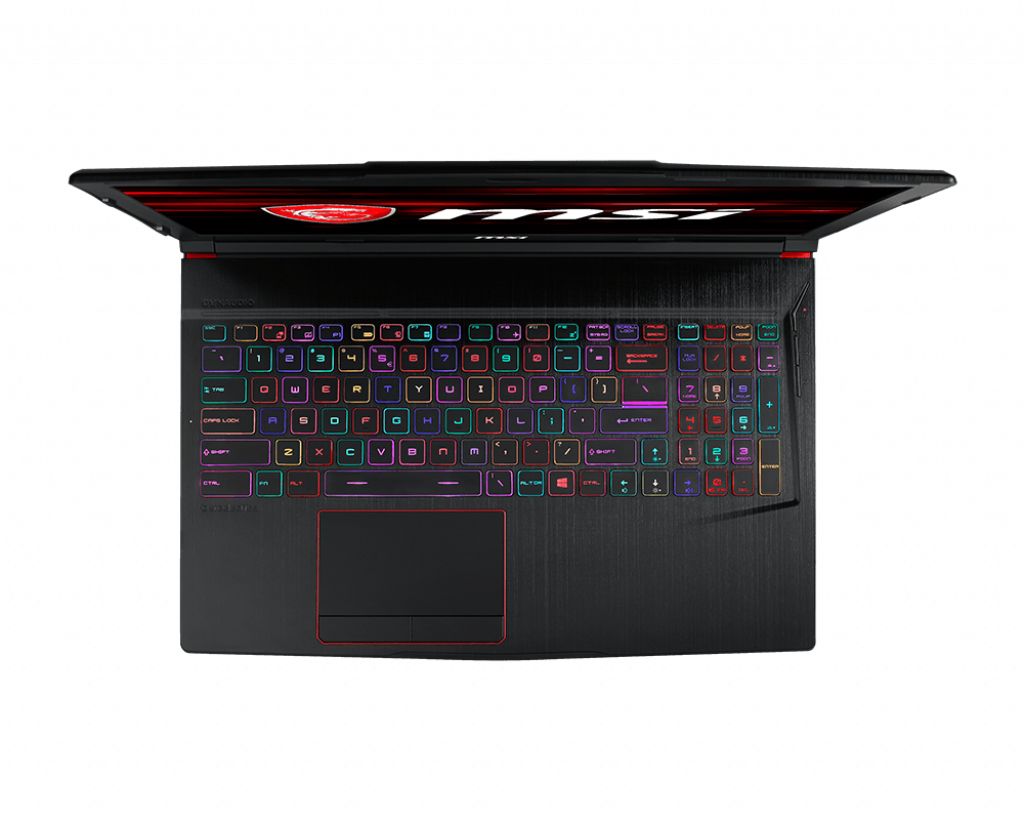
MSI GE63 8SF-019CZ Raider RGB gaming laptop memory upgrade specifications include DDR4-SDRAM support with two SO-DIMM slots for RAM expansion. The Gaming series model supports maximum memory capacity of 32 GB total, with compatible modules operating at 2666 MHz frequency. Each SO-DIMM slot accommodates individual memory modules, allowing users to upgrade existing RAM configurations. Specifications indicate DDR4 memory technology with standard laptop form factor compatibility for the GE series Raider RGB platform.
Memory Upgrade Specifications
| Specification | Value |
|---|---|
| Memory slots | 2x SO-DIMM |
| Form factor | SO-DIMM |
| Memory type | DDR4-SDRAM |
| Frequency | 2666 MHz |
| Maximum RAM | 32 GB |
| Voltage | 1.2V |
| Number of pins | 260-pin |
| Interface | PC4 |
| PC Speed Rating | PC4-2666 (PC4-21328) |
| Bandwidth | 21.3 GB/s |
| Laptop Release date | 25 May 2019 |
Additional Notes
- The presence of 2 physical slots implies that achieving the 32 GB maximum capacity requires the removal of existing modules if both factory slots are occupied.
- Dual channel memory architecture is only functional when both SO-DIMM slots contain matching modules, which significantly enhances integrated bandwidth compared to single stick configurations.
- The MSI GE63 8SF-019CZ Raider RGB motherboard chipset restricts memory clock speeds to 2666 MHz, meaning higher rated modules will automatically downclock to match this ceiling.
- Internal component access for RAM installation requires the removal of the entire bottom chassis panel, which may involve breaking a factory seal sticker depending on regional warranty policies.
- The 32 GB threshold represents a firmware limitation where the system BIOS will not address or recognize individual modules exceeding 16 GB per slot.
- Compatibility is limited to 260 pin DDR4 hardware, as older DDR3 or newer DDR5 standards utilize different notch positions and voltages that prevent physical insertion.
- Latencies are determined by the slowest installed module, making it optimal to pair sticks with identical CAS latency timings to avoid stability issues or performance degradation.