MSI Gaming GL63 8SC-006RU RAM upgrade specifications
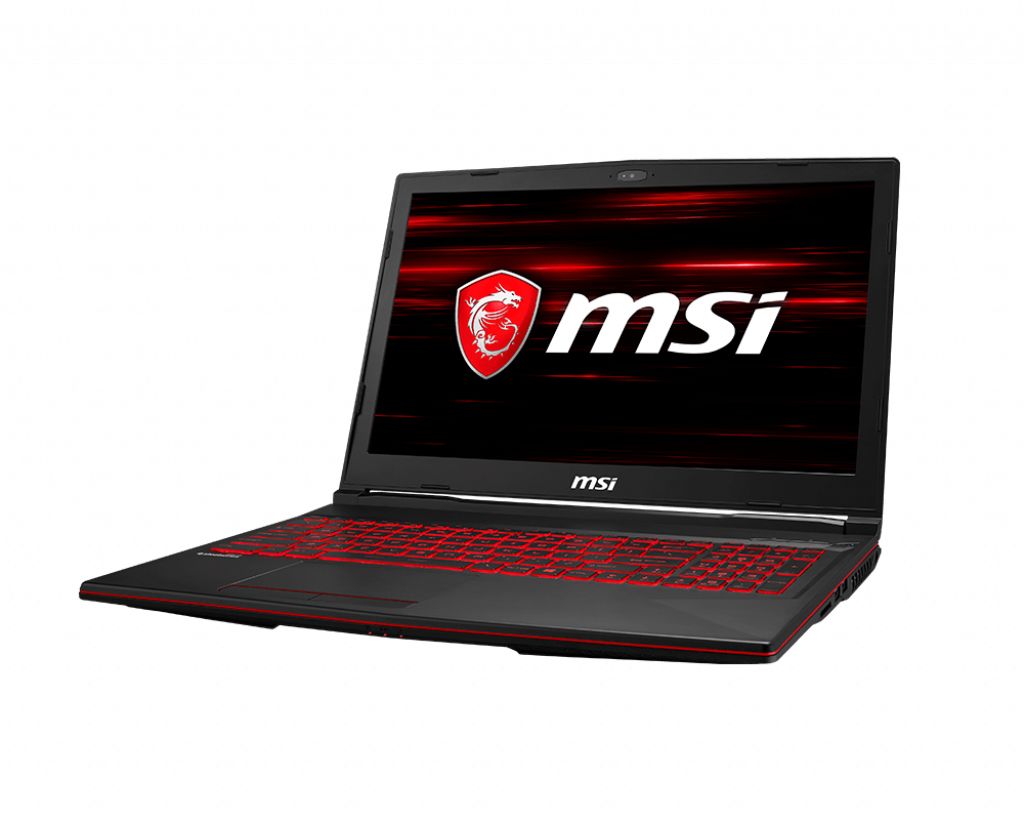
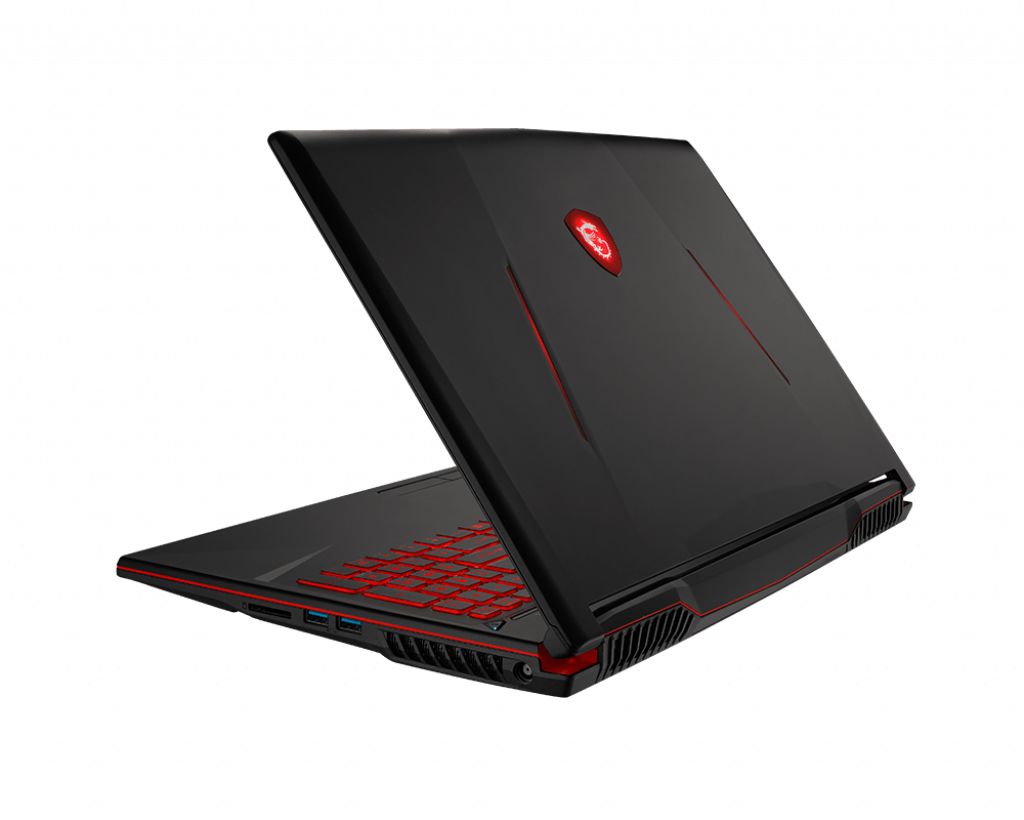
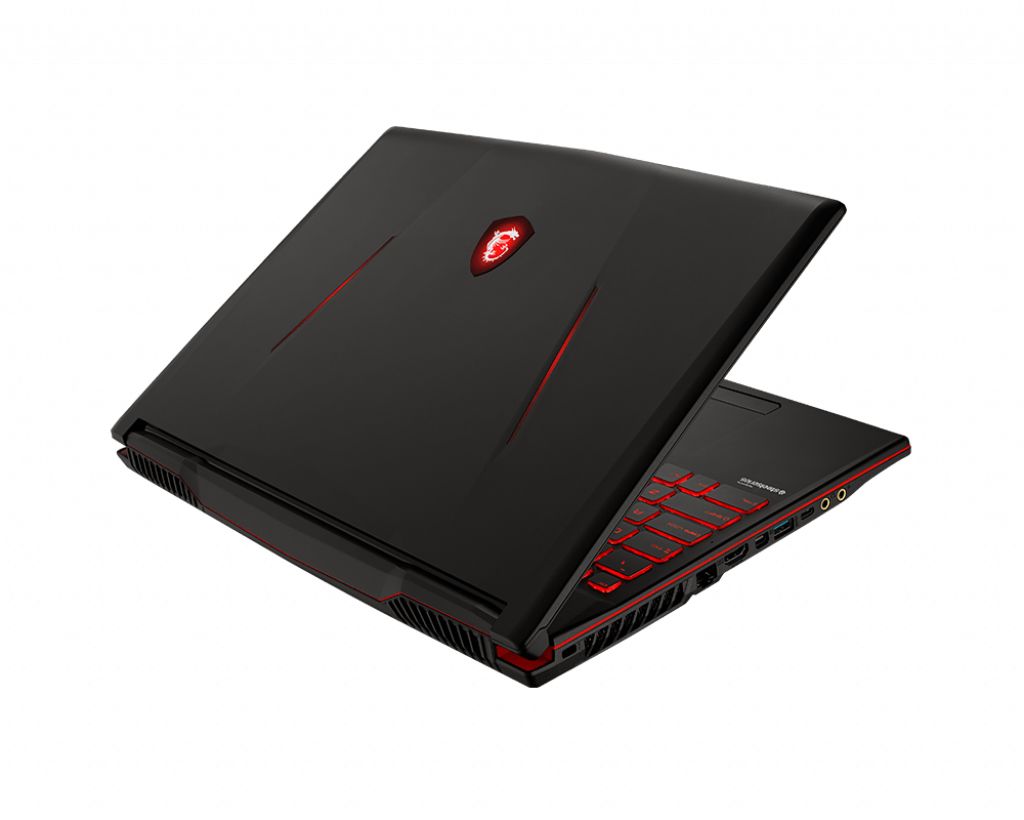
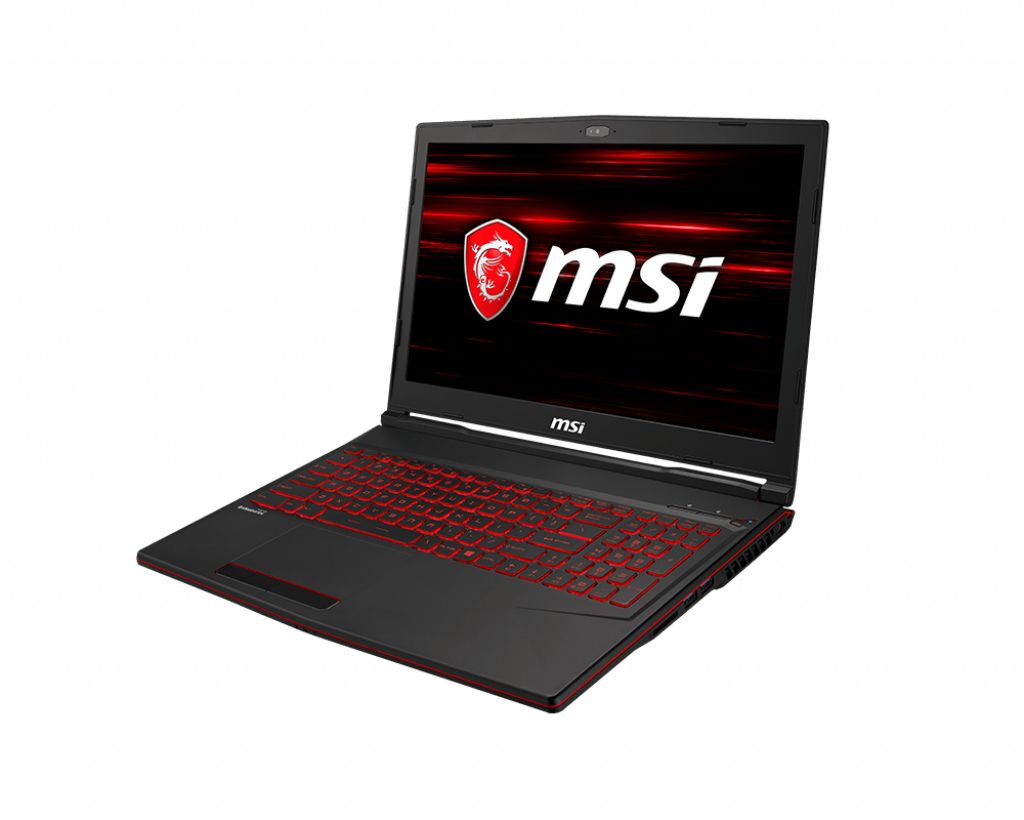
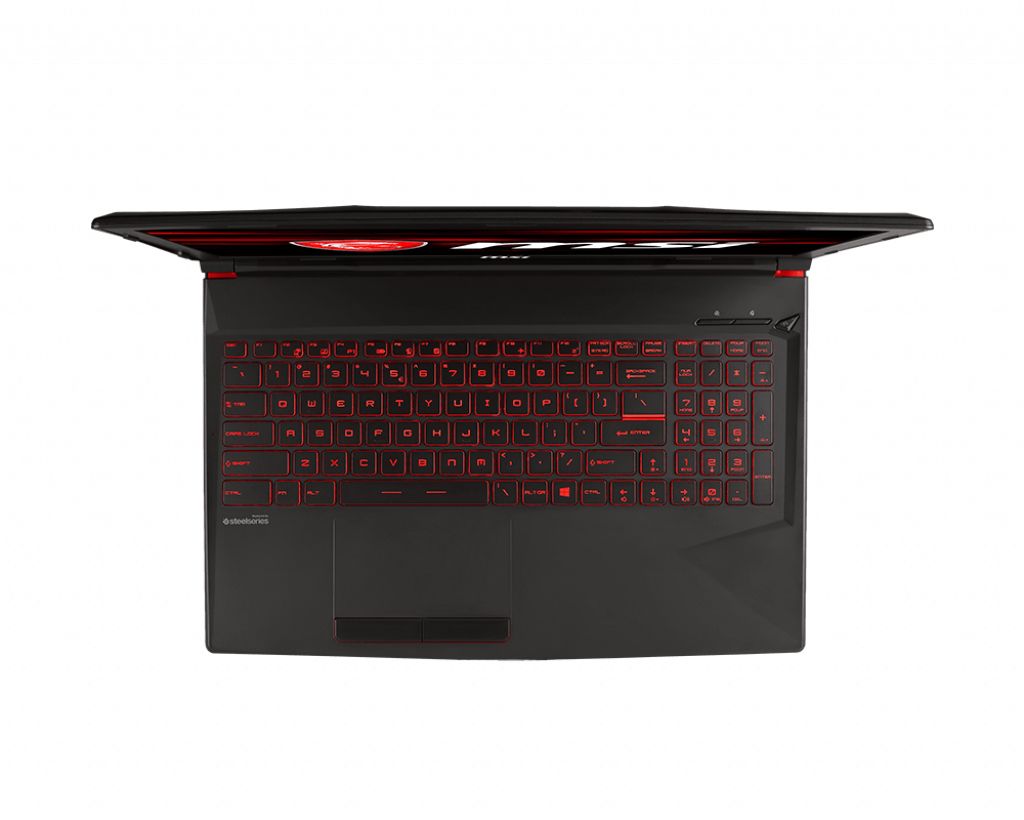
The MSI GL63 8SC-006RU Gaming series laptop features DDR4-SDRAM memory upgrade specifications with two SO-DIMM slots supporting maximum RAM capacity of 32 GB. Compatible memory operates at 2666 MHz frequency. Specifications indicate upgrade capability through dual SO-DIMM slots, allowing replacement or expansion of memory modules. The GL63 8SC-006RU supports DDR4 technology with maximum expandable memory reaching 32 GB total capacity. Form factor specifications require SO-DIMM type modules for memory upgrade compatibility with this MSI Gaming series model.
Memory Upgrade Specifications
| Specification | Value |
|---|---|
| Memory slots | 2x SO-DIMM |
| Form factor | SO-DIMM |
| Memory type | DDR4-SDRAM |
| Frequency | 2666 MHz |
| Maximum RAM | 32 GB |
| Voltage | 1.2V |
| Number of pins | 260-pin |
| Interface | PC4 |
| PC Speed Rating | PC4-2666 (PC4-21328) |
| Bandwidth | 21.3 GB/s |
| Laptop Release date | 13 May 2019 |
Additional Notes
- The MSI GL63 8SC-006RU contains 2 memory slots with SO-DIMM form factor, which means both slots must be populated simultaneously to achieve dual-channel bandwidth. Single-slot configurations will operate in single-channel mode, reducing memory throughput by approximately 50 percent and creating a performance bottleneck for CPU-intensive gaming and content creation tasks.
- DDR4-2666 MHz represents the native JEDEC standard for 8th-generation Intel processors. Upgrading to faster DDR4 modules (3000 MHz or higher) will not provide performance gains unless manually overclocked through BIOS, as the memory controller will downclock to 2666 MHz automatically.
- The 32 GB maximum capacity ceiling is determined by the processor and chipset generation, not the slot count. Two 16 GB SO-DIMM modules represent the upper practical limit; exceeding this requires replacing both existing modules rather than adding capacity.
- SO-DIMM modules require careful physical insertion at a 45-degree angle followed by downward pressure until retention clips engage. Incorrect installation is a common cause of post-upgrade system instability and memory detection failures. Power must be completely disconnected before installation to prevent hardware damage.
- The 2-slot architecture means memory upgrades necessitate replacing existing modules rather than adding to them. Retaining original modules for redundancy or troubleshooting is not feasible without external USB adapters or external docking solutions.
- Warranty coverage for RAM upgrades depends on MSI's regional support policies. Opening the system to access memory slots may void certain warranty provisions; documentation should be verified before disassembly.